Ujság
Instructions for enabling notifications on the website if you access it via social media:
- Click on the “three dots” icon in the top-right corner of the screen
- Open in browser
- Click on “Turn on notifications” in the top-right corner of the screen
Instructions for enabling notifications for iPhone users:
- Click on the “three dots” icon in the lower right corner of the screen
- Share
- View more
- Add to home screen
- Add (upper right corner of the screen)
- The phone will return you to the home screen, and you will see a new icon (Students win)
- Open the app by clicking on the icon
- In the upper right corner, click on “Turn on notifications”
Ujság
Összes hír

Jelenleg nincs lefordítva
Srbija nije samo Beograd
Večeras nam cela Srbija treba tamo gde je danas glasala.
 Élő
ÉlőJelenleg nincs lefordítva
Elections 2026.
Jelenleg nincs lefordítva
Peaceful until the end
Jelenleg nincs lefordítva
Statement regarding the assault on a member of the electoral committee in Doljevac
Jelenleg nincs lefordítva
A letter to the Nation
Jelenleg nincs lefordítva
Media Advisory
Jelenleg nincs lefordítva
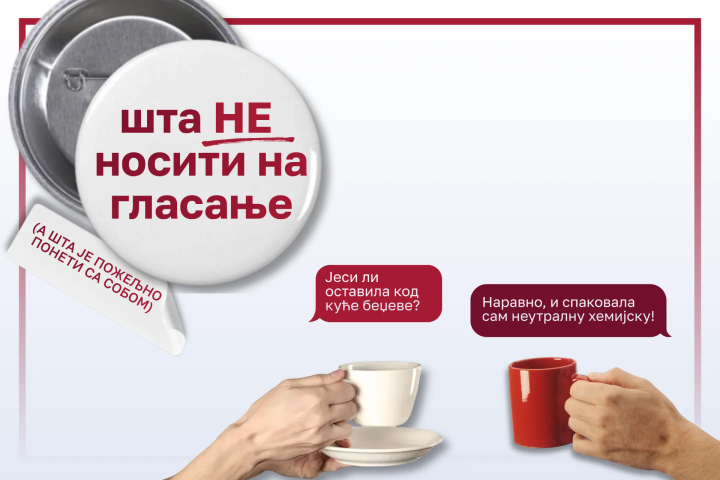
Šta ne nositi na glasanje
Jelenleg nincs lefordítva
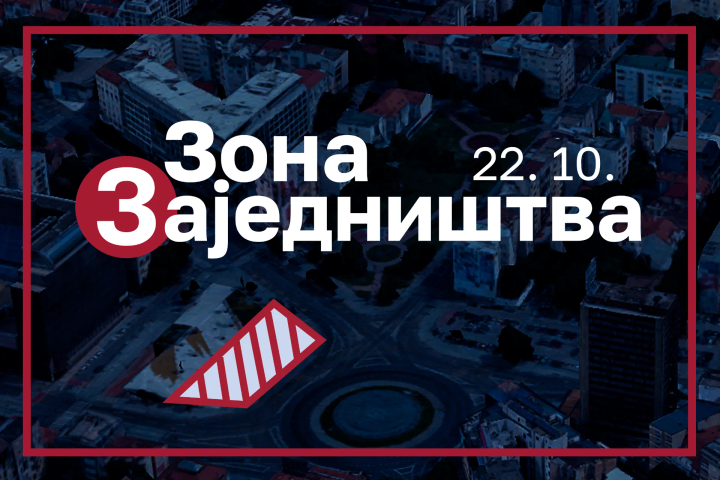
The Zone of Togetherness
Jelenleg nincs lefordítva
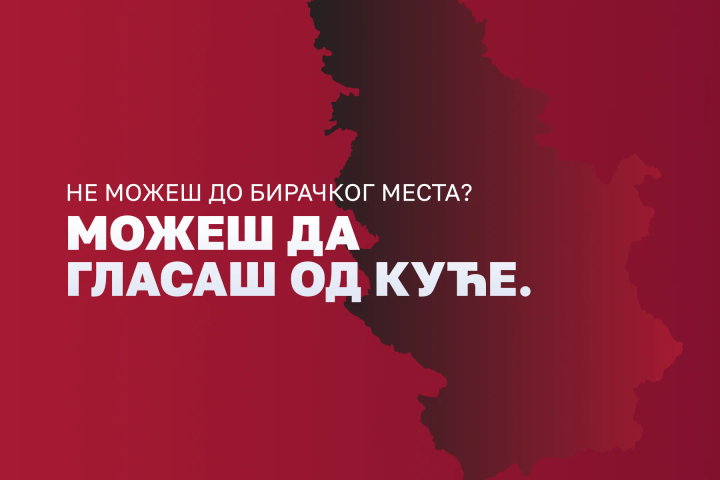
Možeš glasati od kuće
Jelenleg nincs lefordítva
Počeli pretresi objekata radi hapšenja studenata
Jelenleg nincs lefordítva
Glasajte ujutru
Jelenleg nincs lefordítva
SUSS od kućnog praga do Slavije!
Jelenleg nincs lefordítva
Slušajte, čućete da studenti pobeđuju!
Jelenleg nincs lefordítva
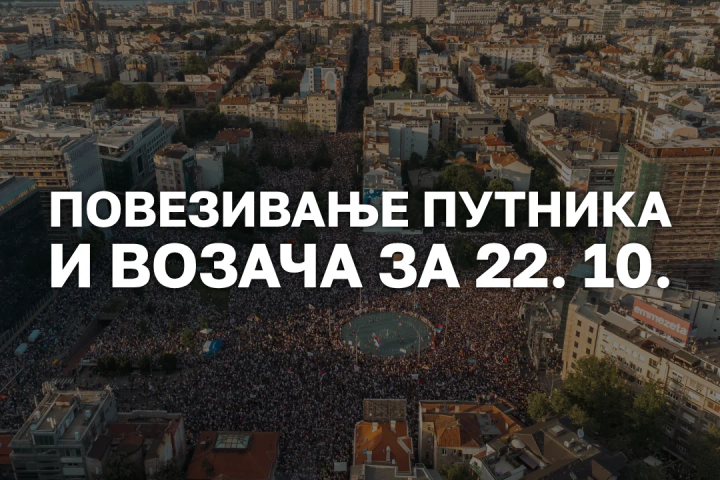
Povezivanje putnika i vozača za 22.10. i smeštaj za šetače
Jelenleg nincs lefordítva
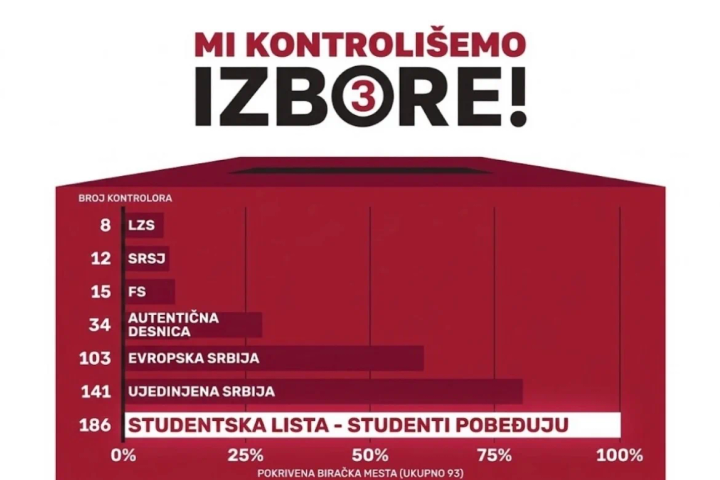
Mi kontrolišemo izbore!
Jelenleg nincs lefordítva
Circle-Three Weekend
Jelenleg nincs lefordítva
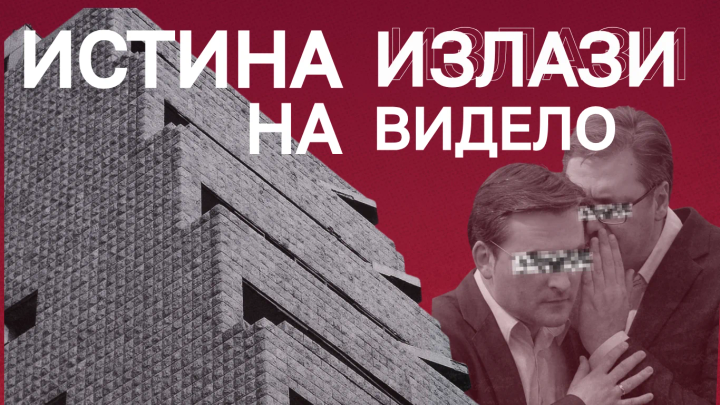
The truth will be revealed!
Jelenleg nincs lefordítva
SUSS aktivnosti: 16. do 19. oktobar
Jelenleg nincs lefordítva
Menjamo Srbiju – jer mi znamo kako!
Jelenleg nincs lefordítva
Victory Is Calling from all Directions
Jelenleg nincs lefordítva
Novi Sade, ne moraš nikome više da dokazuješ svoju hrabrost
Jelenleg nincs lefordítva
See You in Court!
Jelenleg nincs lefordítva
SUSS karavani 12. do 18. oktobar
Jelenleg nincs lefordítva
SUSS - Akcije od 12. do 18. oktobra
Jelenleg nincs lefordítva
Ko su pomilovani?
Jelenleg nincs lefordítva
Slom izborne zakonitosti
Jelenleg nincs lefordítva
Victory is Calling
Jelenleg nincs lefordítva
Svetski dan mentalnog zdravlja
Jelenleg nincs lefordítva
SUSS: Vikend akcije 10. i 11. septembar
Jelenleg nincs lefordítva
Naš glas će se čuti!
Jelenleg nincs lefordítva
Raskršće – biramo zajedno!

Jelenleg nincs lefordítva
Pravo glasa nije milostinja!
Jelenleg nincs lefordítva
Saznaj i ti!
Jelenleg nincs lefordítva
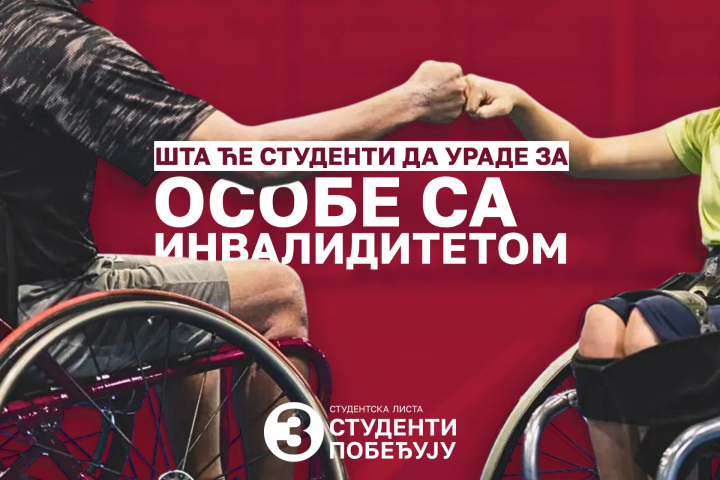
Studenti za osobe sa invaliditetom
Jelenleg nincs lefordítva
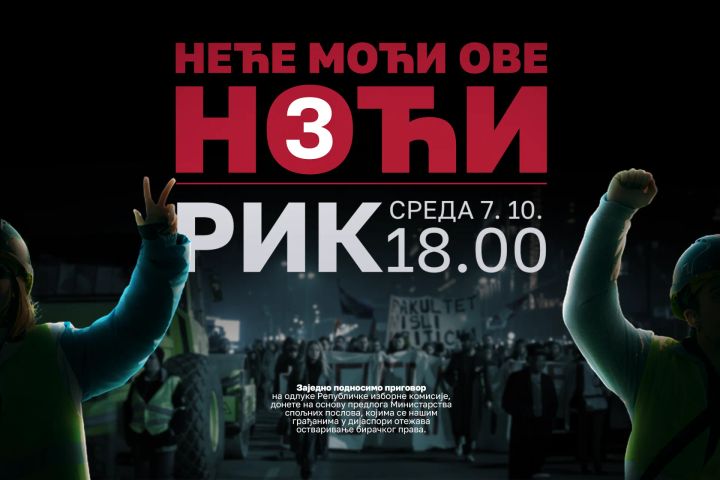
Neće moći ove noći
Jelenleg nincs lefordítva
SUSS: Šest karavana - jedna Srbija
Jelenleg nincs lefordítva
Volju dijaspore ne možete izbrisati
Jelenleg nincs lefordítva
Hitna konferencija za medije
Jelenleg nincs lefordítva
SUSS 5. do 9. oktobar
Jelenleg nincs lefordítva
Muk, kukavičluk i institucionalna sabotaža
Jelenleg nincs lefordítva
Mi znamo kako.
Jelenleg nincs lefordítva
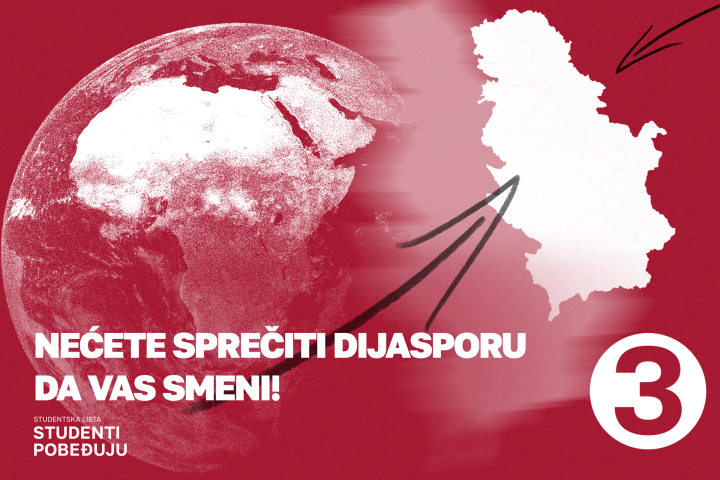
Nećete sprečiti dijasporu da vas smeni!
Jelenleg nincs lefordítva
Ko se boji studenata?

Jelenleg nincs lefordítva
Prijava za glasanje iz inostranstva - još danas
Jelenleg nincs lefordítva
SUSS karavan: 3. i 4. oktobar
.Bm8-NewQ_Z144oTl.png)
Jelenleg nincs lefordítva
Vi ste lopovi
Jelenleg nincs lefordítva
Policija zaustavlja vozila koja prevoze naš predizborni materijal
Jelenleg nincs lefordítva
Open Letter To the Diplomatic and Consular Network of the Republic of Serbia
Jelenleg nincs lefordítva
Čuvari domovine
Jelenleg nincs lefordítva
Nasilje neće proći!
Jelenleg nincs lefordítva
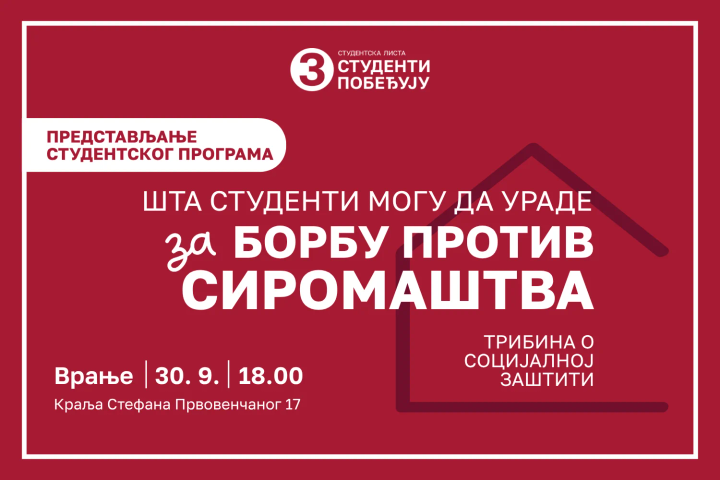
Predstavljanje programa: Vranje
Jelenleg nincs lefordítva
Srbija ili mafija?!
Jelenleg nincs lefordítva
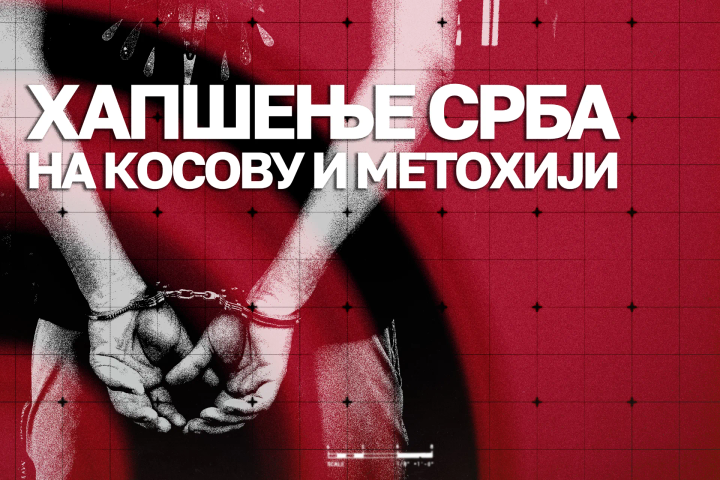
Hapšenja na KiM
.BGwnOsTh_1jD2JF.png)
Jelenleg nincs lefordítva
Odgovor RTS-u
Jelenleg nincs lefordítva
Znanje, istina, odgovornost

Jelenleg nincs lefordítva
Predstavljanje programa: Obrazovanje

Jelenleg nincs lefordítva
Zakon o oduzimanju imovine proistekle iz krivičnog dela
Jelenleg nincs lefordítva
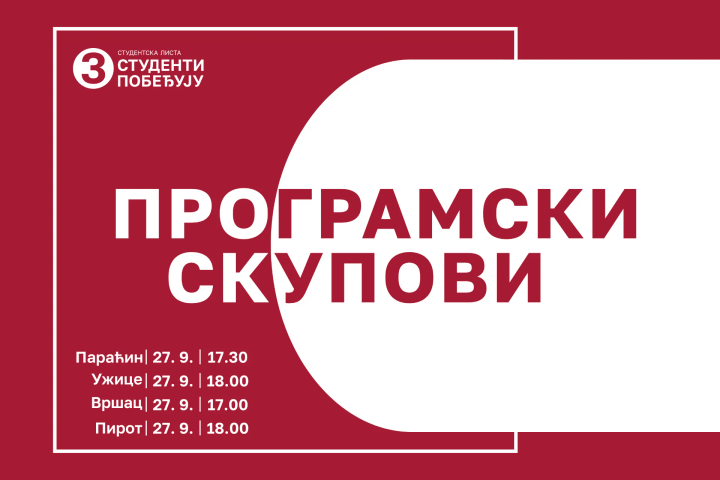
SUSS karavan: 25. do 27. septembar
Jelenleg nincs lefordítva
Videćemo se ponovo
Jelenleg nincs lefordítva
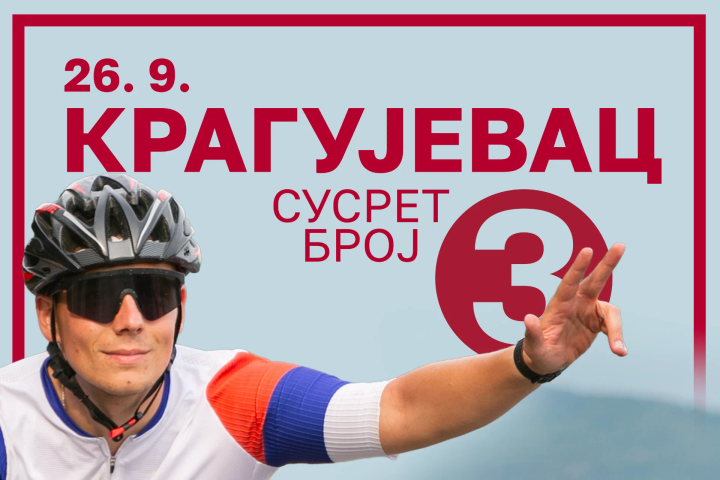
Kragujevac: Susret broj 3
Jelenleg nincs lefordítva
Prijavi se za kontrolora u dijaspori
Jelenleg nincs lefordítva
SUSS karavan: 21. do 27. septembra
Jelenleg nincs lefordítva
SUSS karavan: 18. do 20. septembar
Jelenleg nincs lefordítva
Čuvari Ustava
Jelenleg nincs lefordítva
SUSS karavan - 16. do 18. septembar
Jelenleg nincs lefordítva
Studentski plan - mi znamo kako
Jelenleg nincs lefordítva
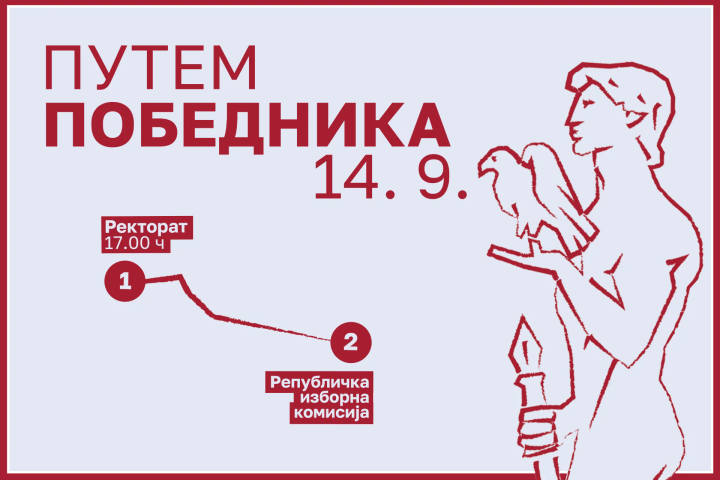
Putem pobednika
Jelenleg nincs lefordítva
Kolektivni godišnji ili gubitak prava glasa
Jelenleg nincs lefordítva
Potpiši za pobedu
Jelenleg nincs lefordítva
SUSS karavan 11. do 13. septembar
Jelenleg nincs lefordítva
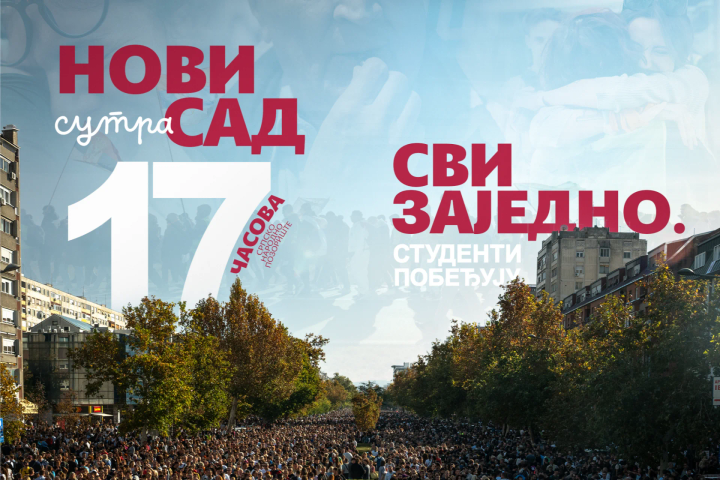
Novi Sad - Svi zajedno!
Jelenleg nincs lefordítva
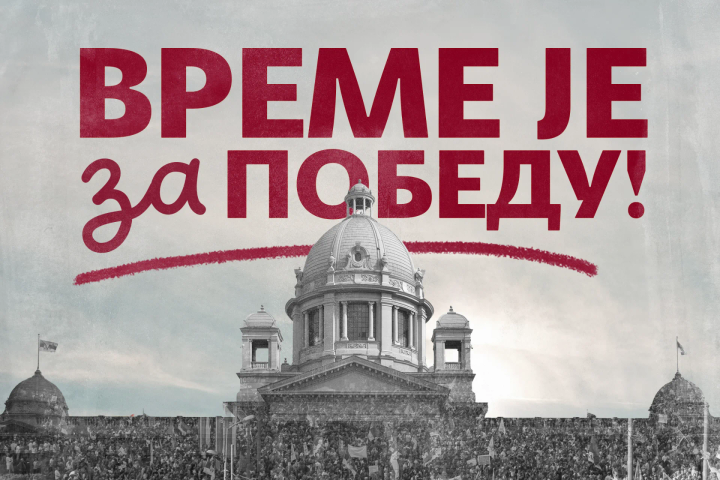
Vreme je za pobedu
Jelenleg nincs lefordítva
Uzmite novac
Jelenleg nincs lefordítva
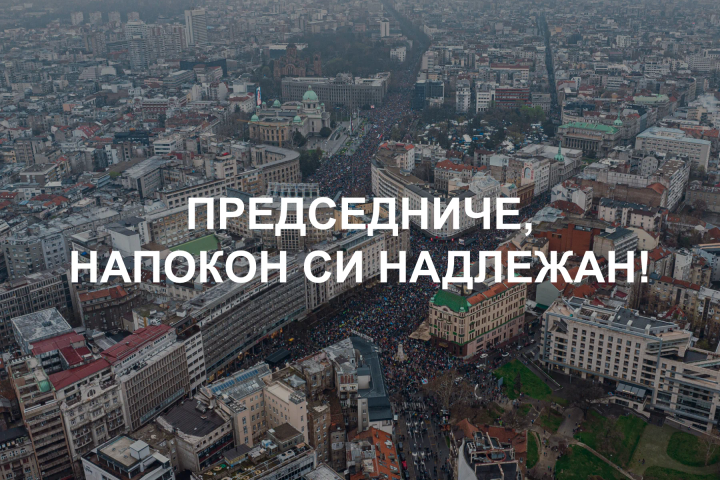
Predsedniče, napokon si nadležan
Jelenleg nincs lefordítva
SUSS karavan 7. do 10. septembra
Jelenleg nincs lefordítva
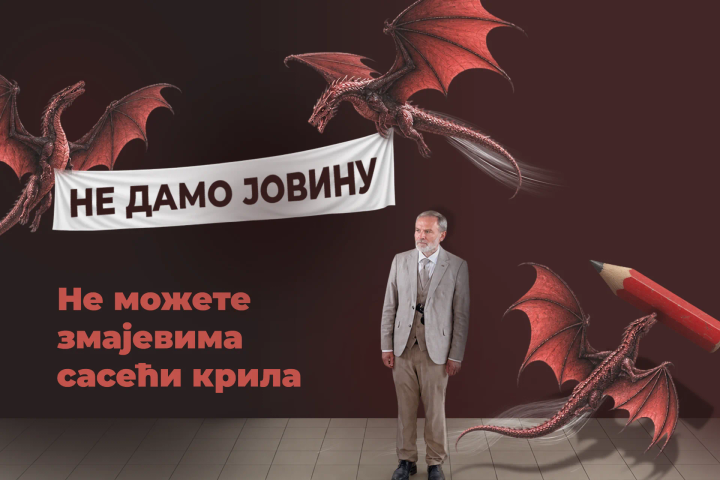
Ne možete zmajevima saseći krila
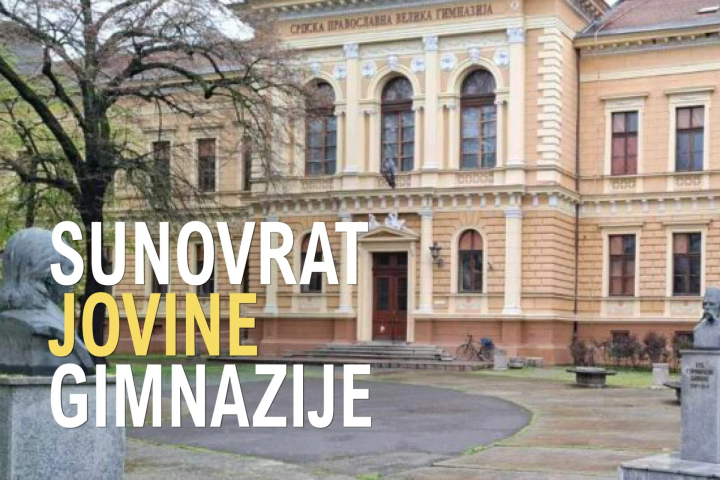
Jelenleg nincs lefordítva
Sunovrat Jovine gimnazije
Jelenleg nincs lefordítva
Ko ćuti o seksualnom zlostavljanju
Jelenleg nincs lefordítva
Press Conference - September 2, 2026,
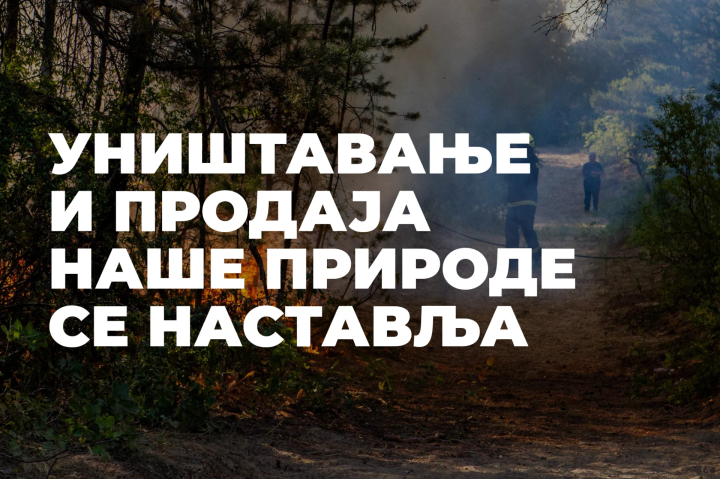
Jelenleg nincs lefordítva
Prodaja naše prirode se nastavlja
Jelenleg nincs lefordítva
SUSS karavan 4. do 6. septembar
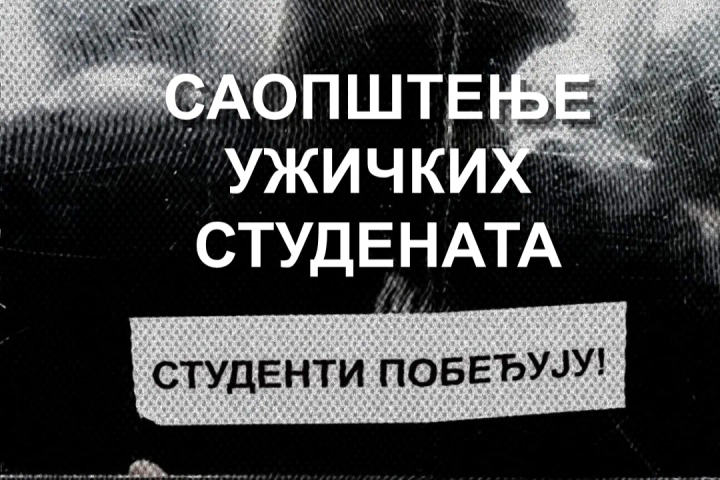
Jelenleg nincs lefordítva
Užice pripada Užičanima
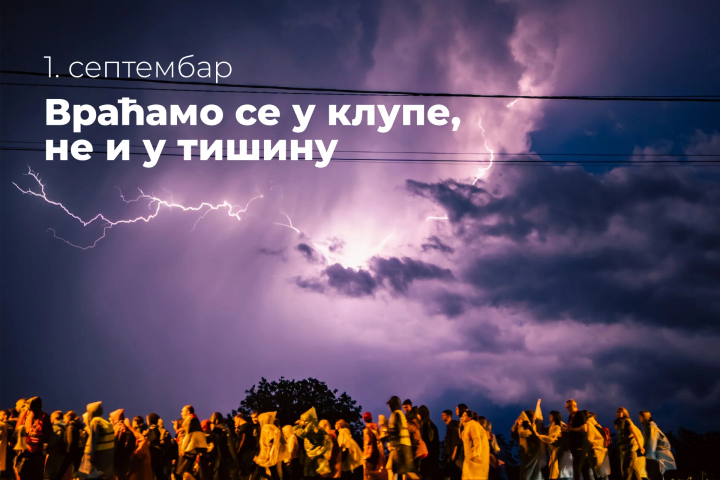
Jelenleg nincs lefordítva
Vraćamo se u klupe. Ne u tišinu.
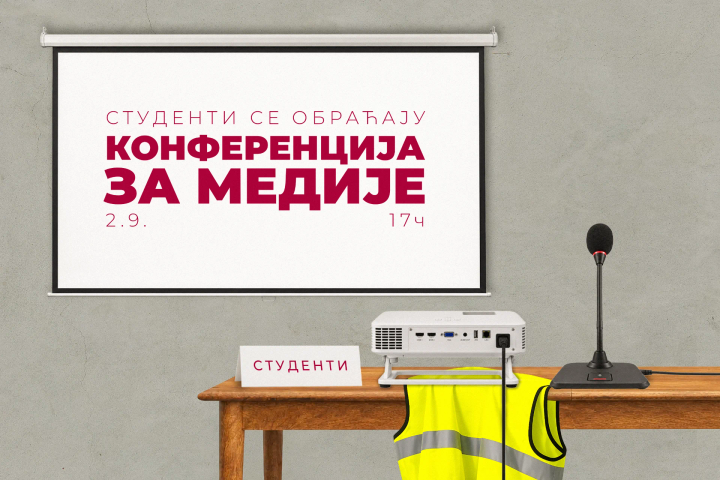
Jelenleg nincs lefordítva
Konferencija za medije
Jelenleg nincs lefordítva
SUSS karavan 31. avgust - 3. septembar
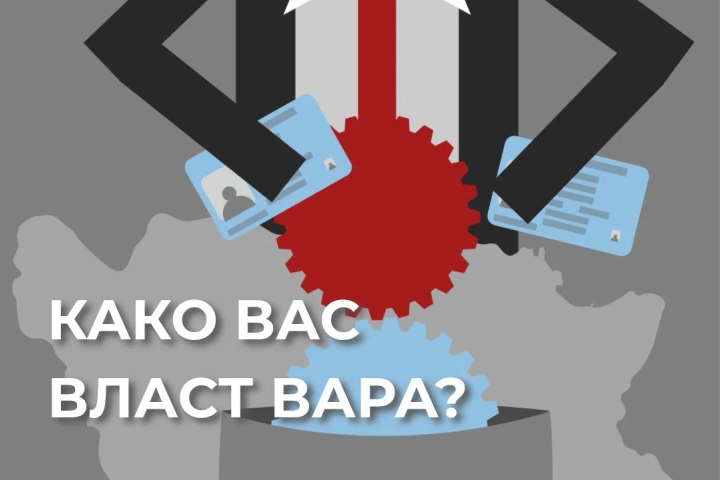
Jelenleg nincs lefordítva
Lažima do ličnih podataka Srba u BiH
Jelenleg nincs lefordítva
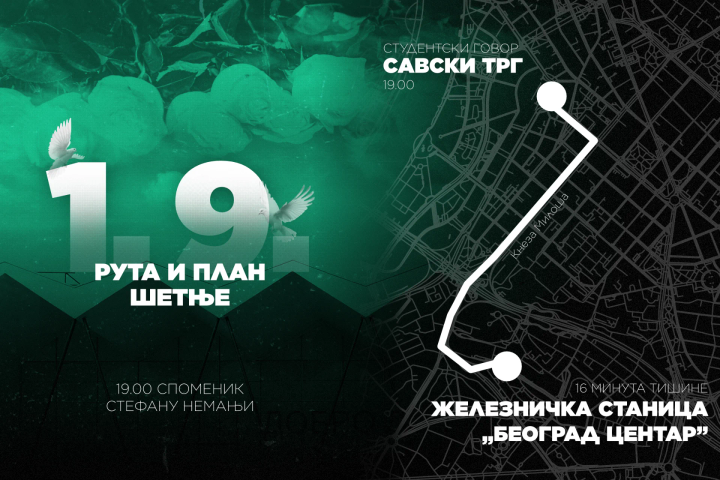
Komemorativna šetnja 1.9.
Jelenleg nincs lefordítva
Jurimo peticu i dobro nam ide

Jelenleg nincs lefordítva
Situacija u Užicu
Jelenleg nincs lefordítva
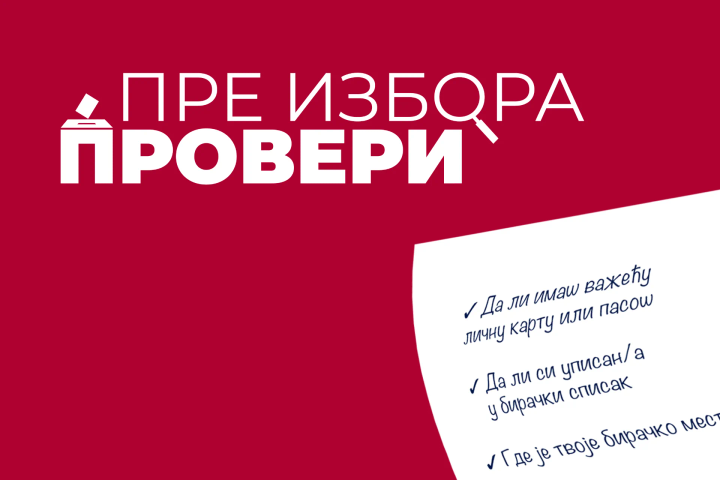
Ne čekaj da izbori budu raspisani
Jelenleg nincs lefordítva
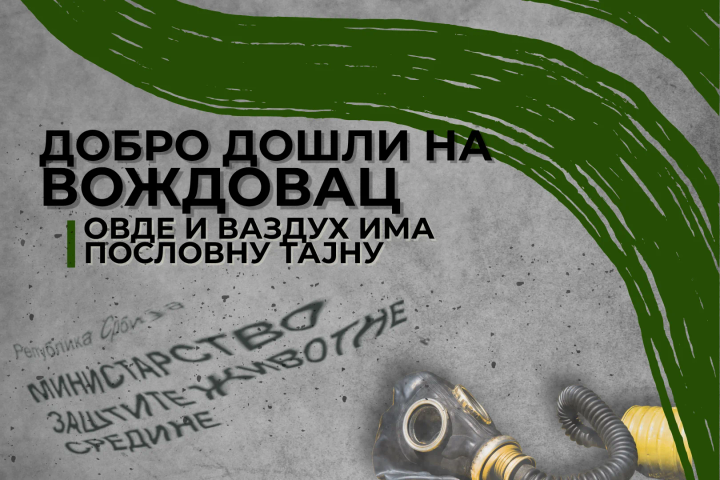
Vazduh ima poslovnu tajnu?
Jelenleg nincs lefordítva
SUSS karavan 28. - 30. avgust
Jelenleg nincs lefordítva
Pokušaj diskreditacije svedoka u slučaju Generalštab
Jelenleg nincs lefordítva
Kragujevac: Privođenje saboraca
Jelenleg nincs lefordítva
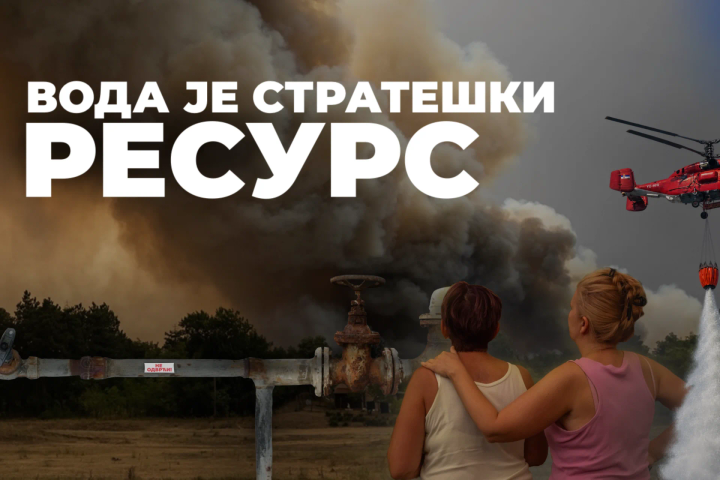
Voda je strateški resurs
Jelenleg nincs lefordítva
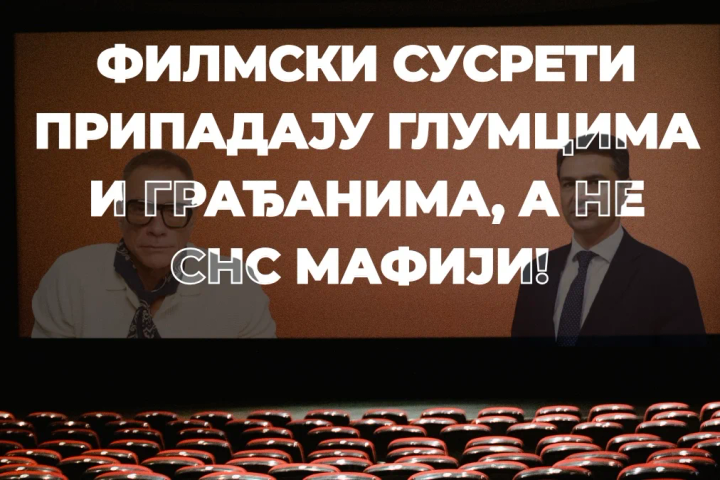
Niš: Filmski festival
Jelenleg nincs lefordítva
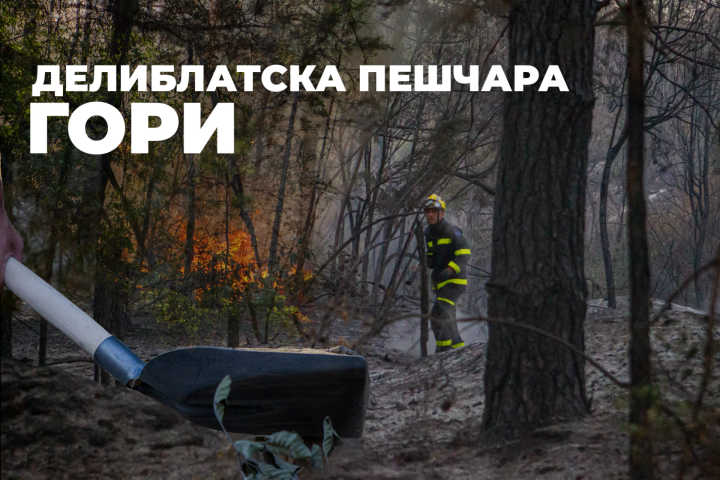
Deliblatska peščara gori
Jelenleg nincs lefordítva
SUSS karavan: 21. - 23. avgust
Jelenleg nincs lefordítva
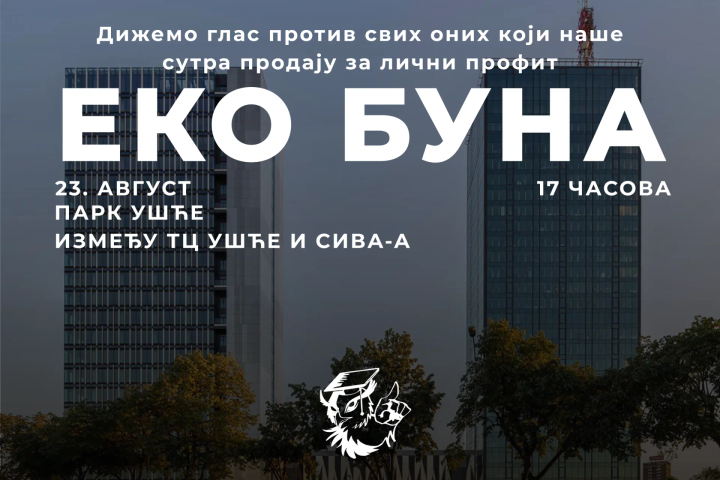
Eko buna
Jelenleg nincs lefordítva
Krijete se iza zavese?
Jelenleg nincs lefordítva
Niš: Policijsko nasilje nad studentkinjom
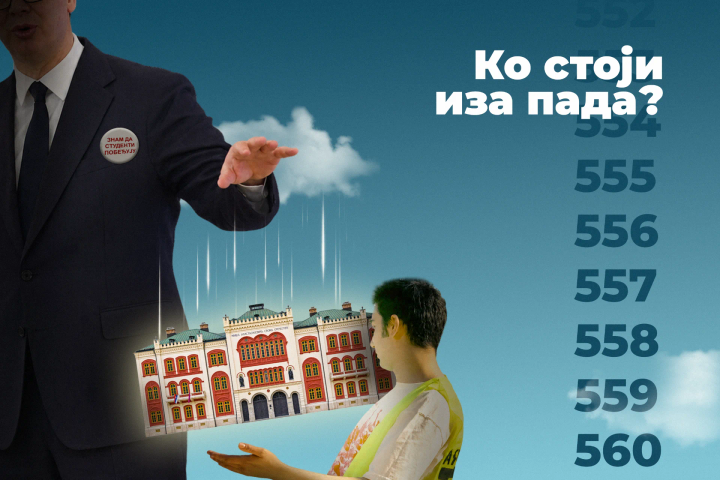
Jelenleg nincs lefordítva
Ko stoji iza pada?
Jelenleg nincs lefordítva
SUSS karavan 17. - 21. avgust
.CTFNLV3s_Z1XThUh.png)
Jelenleg nincs lefordítva
Zapaljen automobil valjevskog tužioca
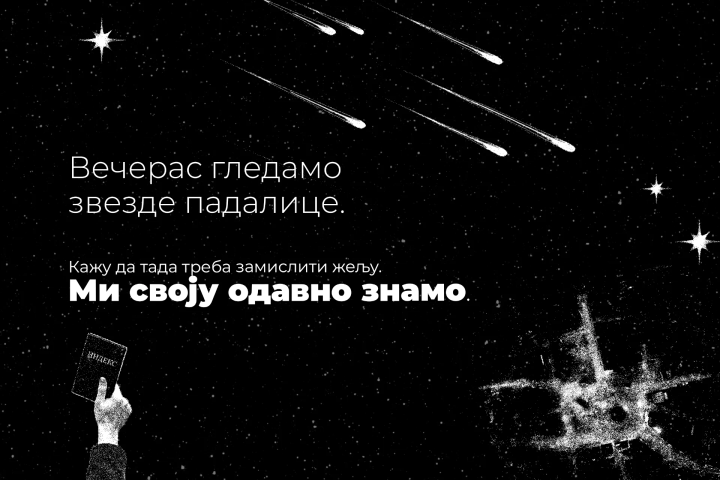
Jelenleg nincs lefordítva
Večeras gledamo zvezde padalice
Jelenleg nincs lefordítva
SUSS karavan 14. - 16. avgust
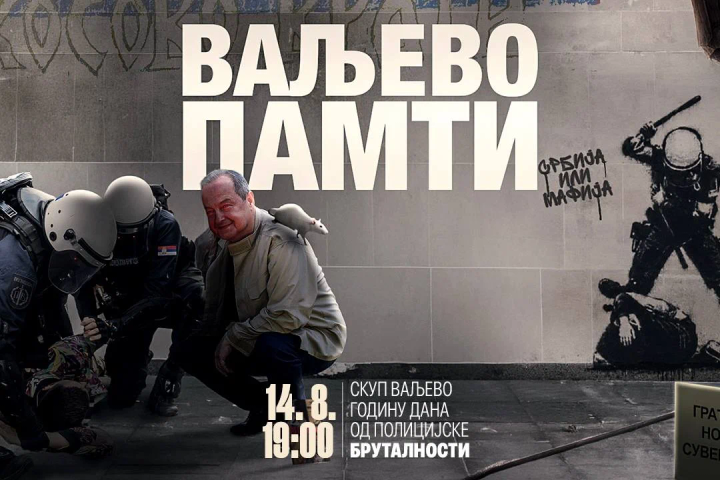
Jelenleg nincs lefordítva
Valjevo pamti 14.8.
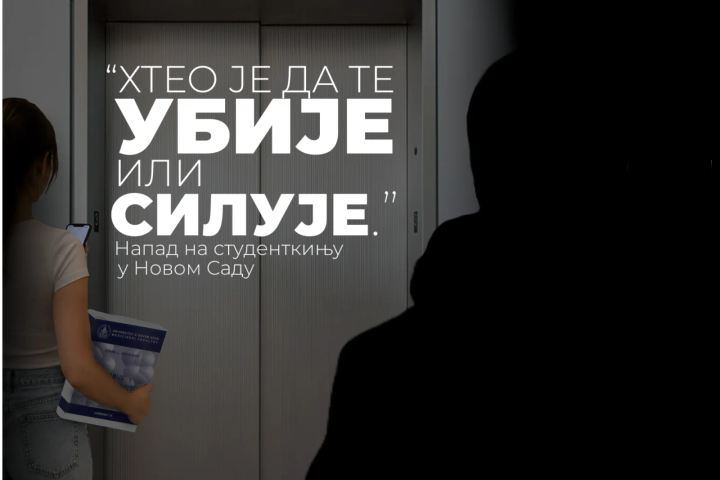
Jelenleg nincs lefordítva
Napad na studentkinju u Novom Sadu
Jelenleg nincs lefordítva
SUSS karavan: 11. do 14. avgust
Jelenleg nincs lefordítva
Valjevo 14. avgust logistika
Jelenleg nincs lefordítva
SUSS karavan: 7. do 9. avgust
Jelenleg nincs lefordítva
Mehanizmi manipulacije u javnom govoru
Jelenleg nincs lefordítva
SUSS karavan: 3. do 7. avgust
Jelenleg nincs lefordítva
Dvojica muškaraca nasrnula na dvanaestogodišnjaka zbog bedža
Jelenleg nincs lefordítva
Rušenja na Gazivodama
Jelenleg nincs lefordítva
SUSS karavan: 31. jul do 2. avgust
Jelenleg nincs lefordítva
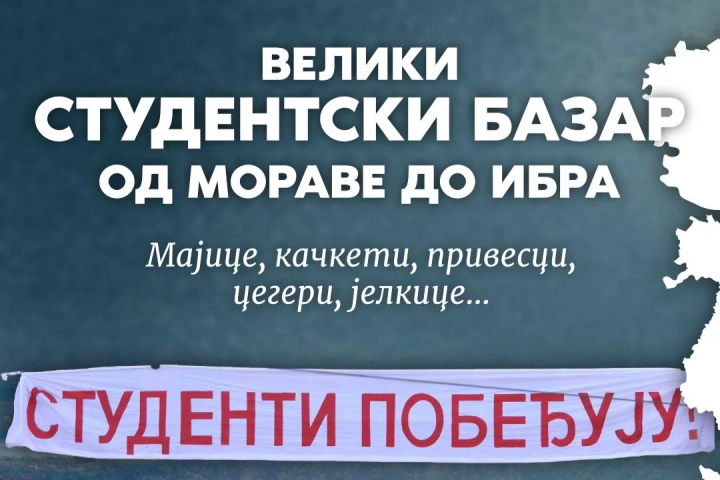
Kragujevac: od Morave do Ibra
Jelenleg nincs lefordítva
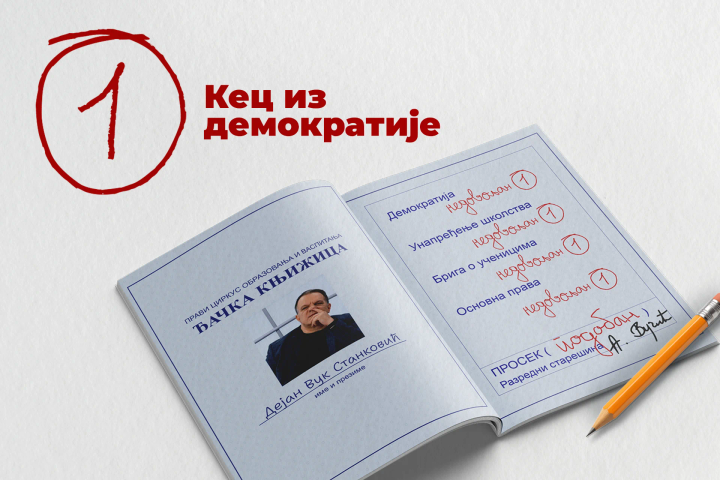
Kec iz demokratije
Jelenleg nincs lefordítva
Niš: Ponovno oduzimanje budžetskih mesta
Jelenleg nincs lefordítva
SUSS karavan 28. do 30. jul
Jelenleg nincs lefordítva
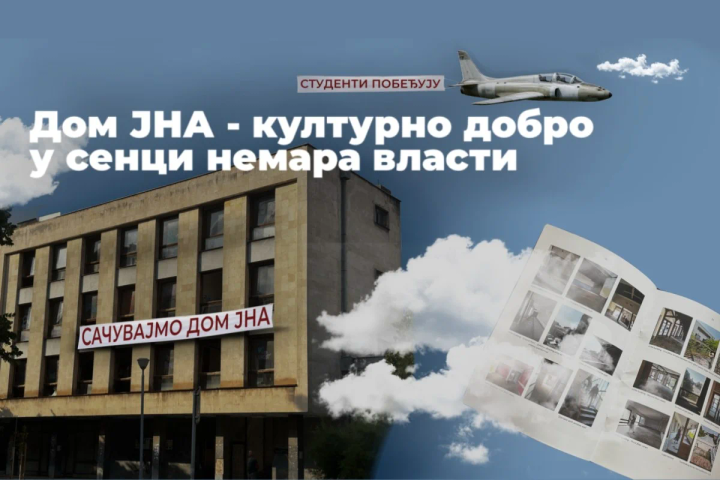
Šabac: Dom JNA
.C0uwTwfb_Z4COQn.png)
Jelenleg nincs lefordítva
Nova Varoš: napad na studentkinju
Jelenleg nincs lefordítva
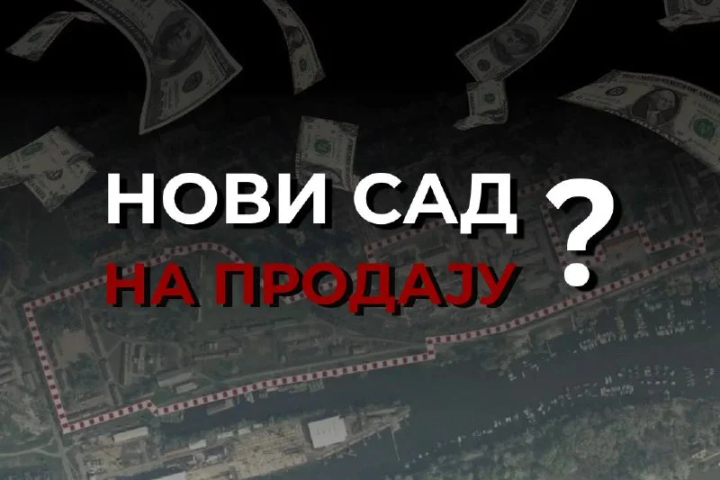
Novi Sad na vodi
Jelenleg nincs lefordítva
SUSS karavan 24. do 26. jul
Jelenleg nincs lefordítva
Vraćaš se u Srbiju za leto?
Jelenleg nincs lefordítva
Niš bez reciklažnih dvorišta
Jelenleg nincs lefordítva
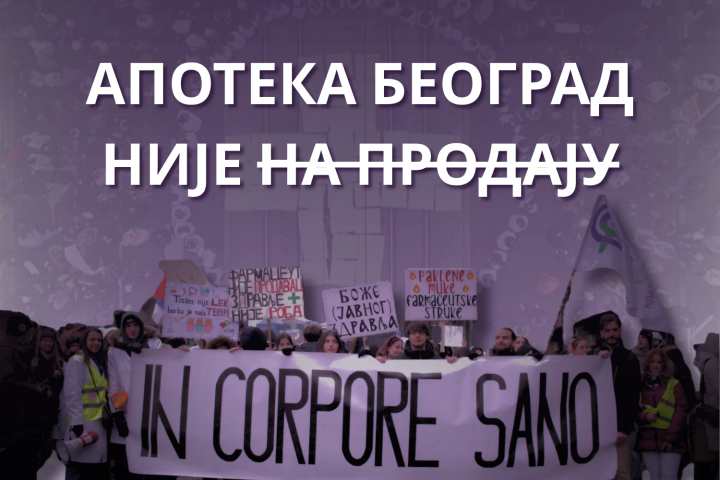
Apoteke nisu na prodaju
Jelenleg nincs lefordítva
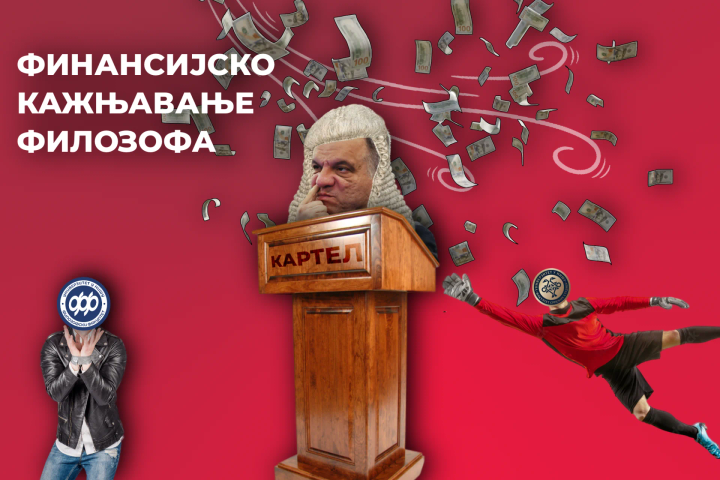
Finansijsko kažnjavanje Filozofskog u Nišu
Jelenleg nincs lefordítva
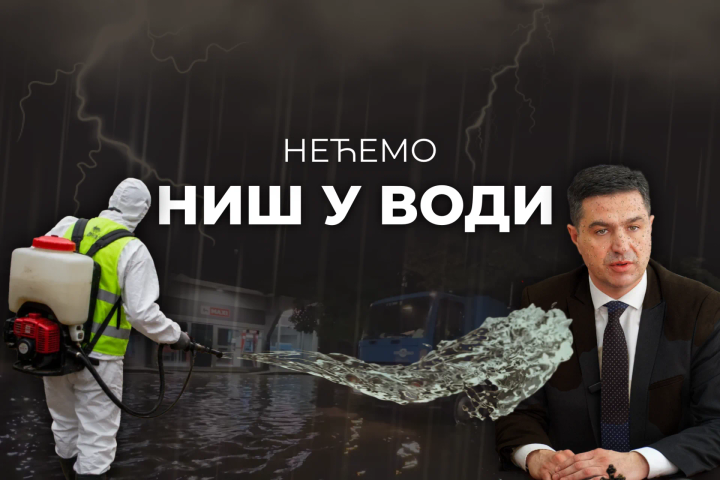
Nećemo Niš u vodi
Jelenleg nincs lefordítva
Suss karavan 22. i 23. jul
Jelenleg nincs lefordítva
Ko će voditi Srbiju?
Jelenleg nincs lefordítva
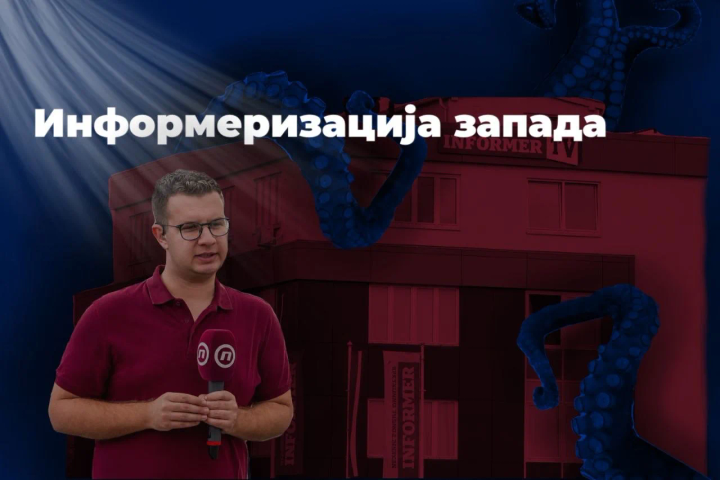
Šabac: Informerizacija zapada
Jelenleg nincs lefordítva
SUSS karavan: 17. - 19. jul
Jelenleg nincs lefordítva
Jedna ostavka neće zataškati istinu
Jelenleg nincs lefordítva
Taoci sistema
Jelenleg nincs lefordítva
Ne želimo drugima ono što ne želimo sebi
Jelenleg nincs lefordítva
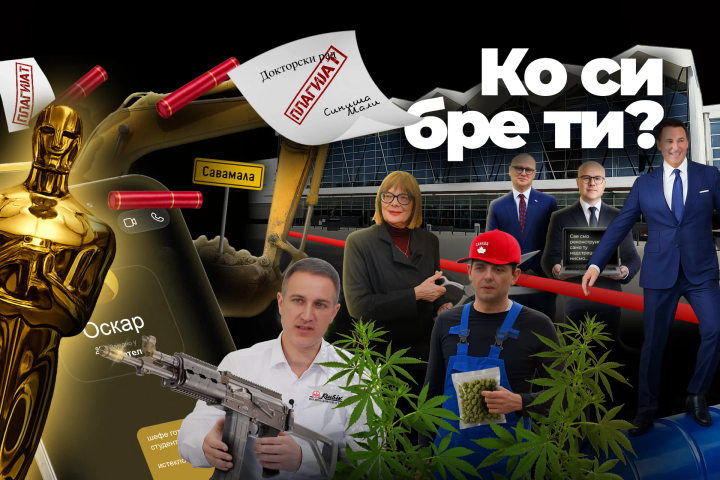
Ko si, bre, ti?
Jelenleg nincs lefordítva
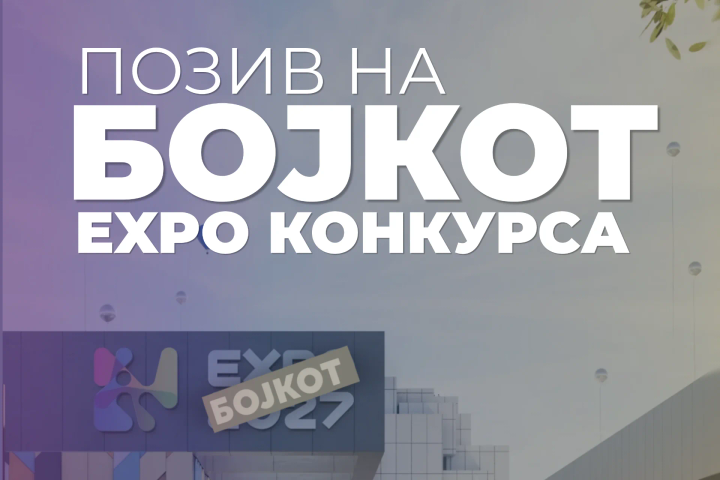
Poziv na bojkot EXPO
Jelenleg nincs lefordítva
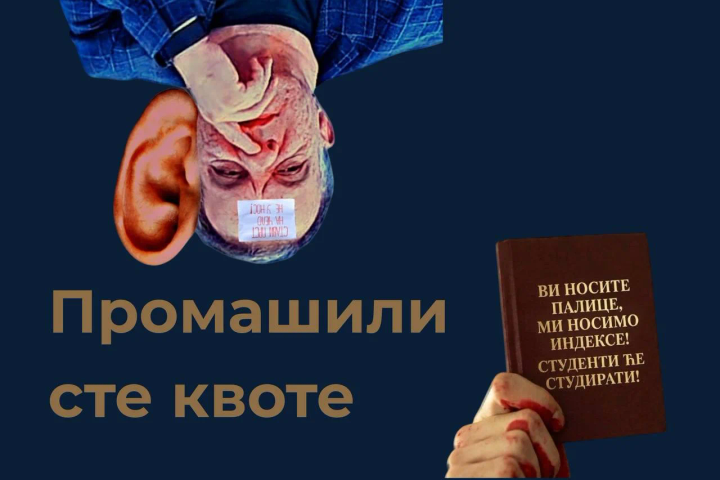
Niš: Promašili ste kvote
Jelenleg nincs lefordítva
Ponovljeni pokušaji zastrašivanja
Jelenleg nincs lefordítva
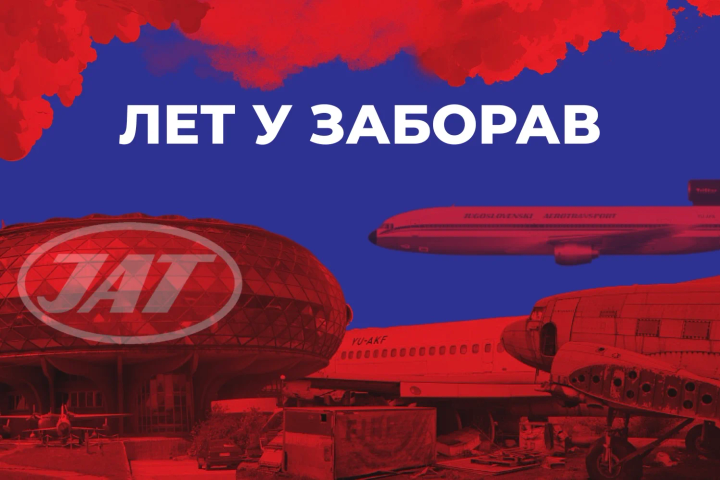
Niš: Let u zaborav
Jelenleg nincs lefordítva
SUSS karavan: 10. do 12. jul
Jelenleg nincs lefordítva
VJT u službi kartelskog režima
Jelenleg nincs lefordítva
Sledeća stanica: kvar
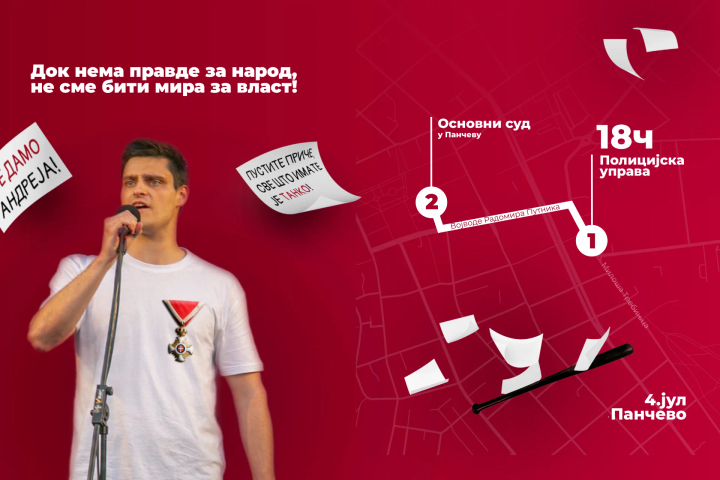
Jelenleg nincs lefordítva
Ne sme biti mira za vlast - Pančevo
Jelenleg nincs lefordítva
UPKM: Vidovdan 2026. na KiM
Jelenleg nincs lefordítva
Student u svakom selu: 3. do 5. jul
Jelenleg nincs lefordítva
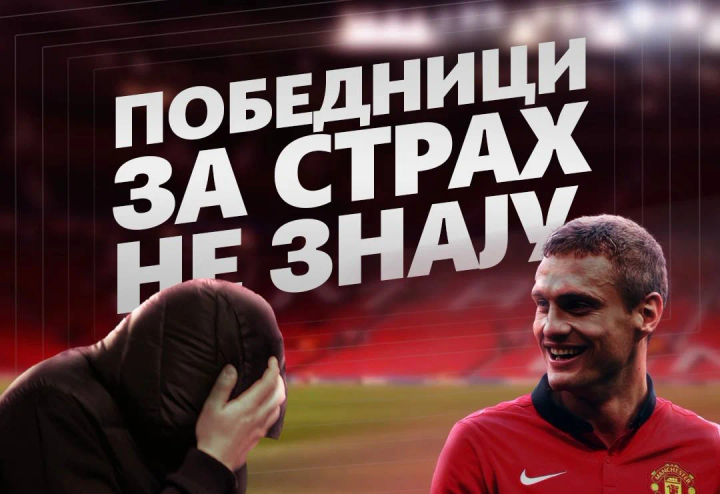
Pobednici ne znaju za strah
Jelenleg nincs lefordítva
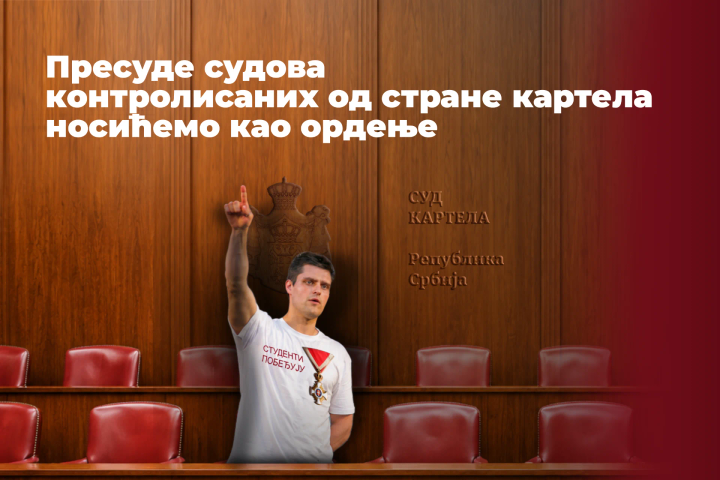
Kartelske presude nosićemo kao ordenje
Jelenleg nincs lefordítva
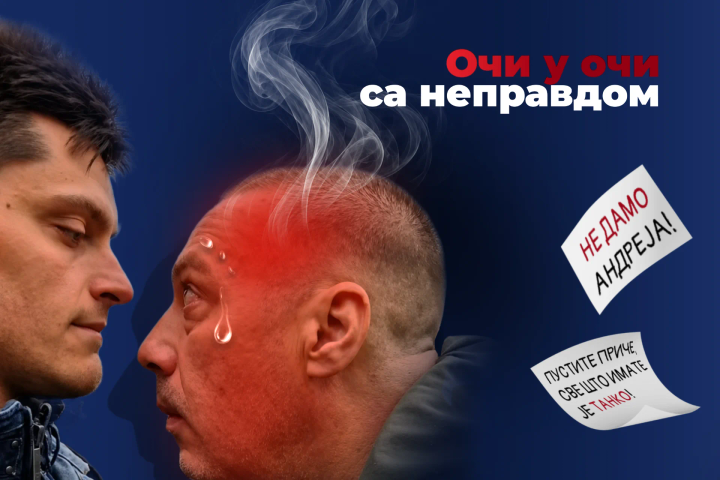
Oči u oči sa nepravdom
Jelenleg nincs lefordítva
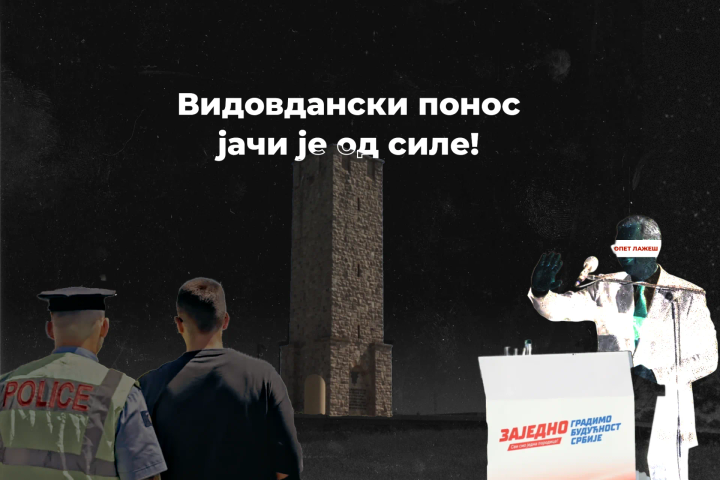
Niš: Vidovdanski ponos jači od sile
Jelenleg nincs lefordítva
Sve se vidi
Jelenleg nincs lefordítva
Mi se seliti nećemo!

Jelenleg nincs lefordítva
Vidovdan – program skupa
Jelenleg nincs lefordítva
Organizacija prevoza i smeštaja u Kraljevu
Jelenleg nincs lefordítva
Čija je ovo simulacija?
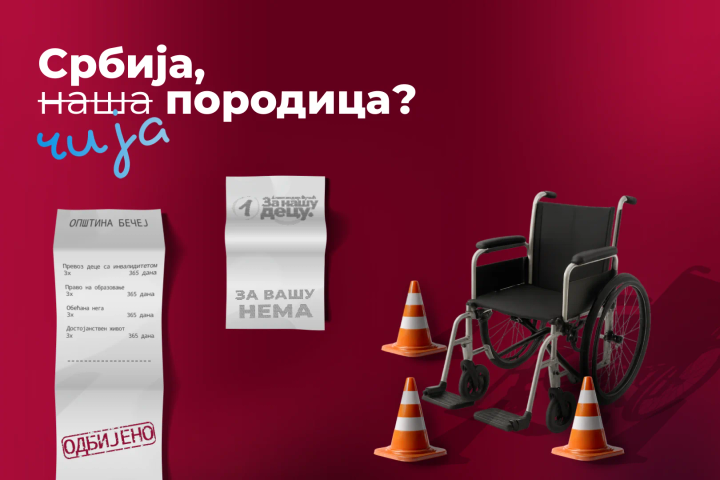
Jelenleg nincs lefordítva
Razglednica iz Bečeja
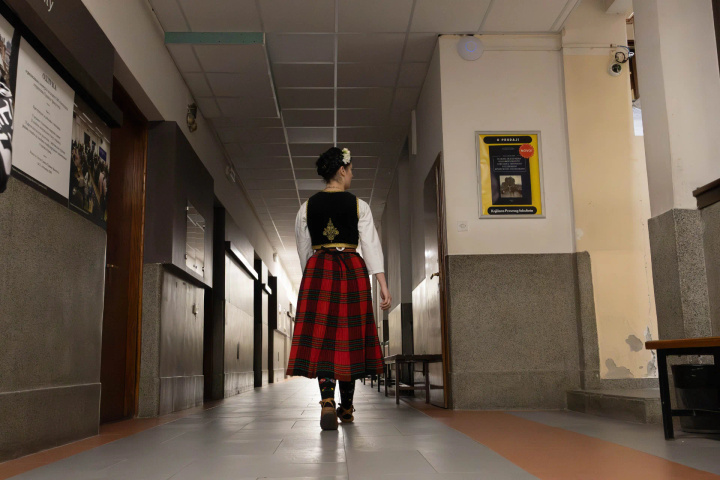
Jelenleg nincs lefordítva
Njih ne damo!
Jelenleg nincs lefordítva
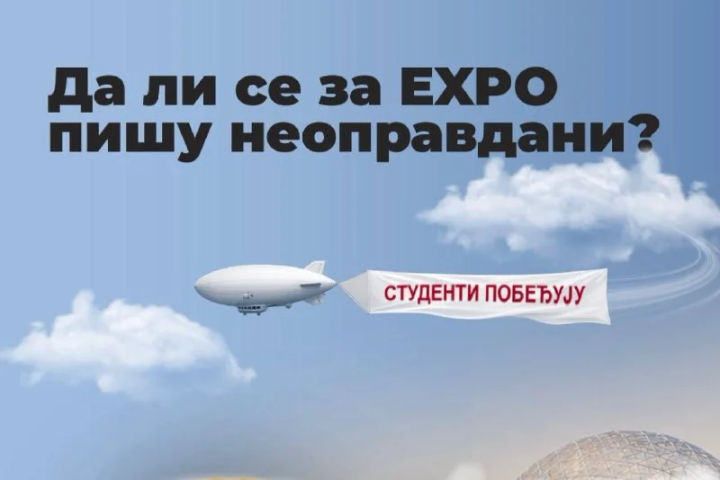
Čas na EXPO?
Jelenleg nincs lefordítva
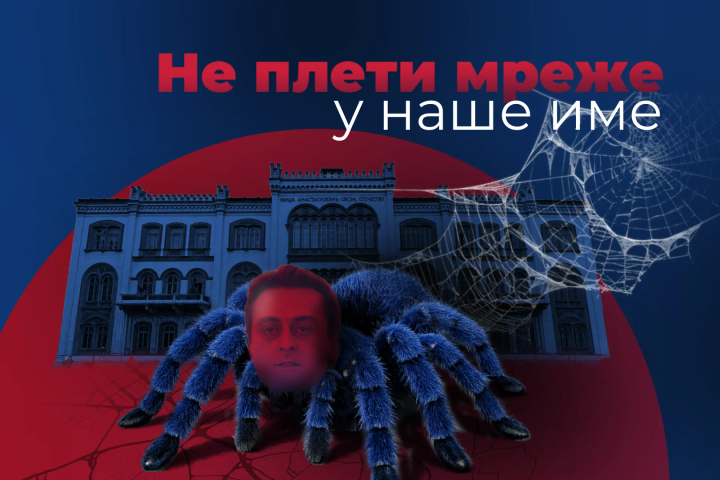
Ne pleti mreže u naše ime!
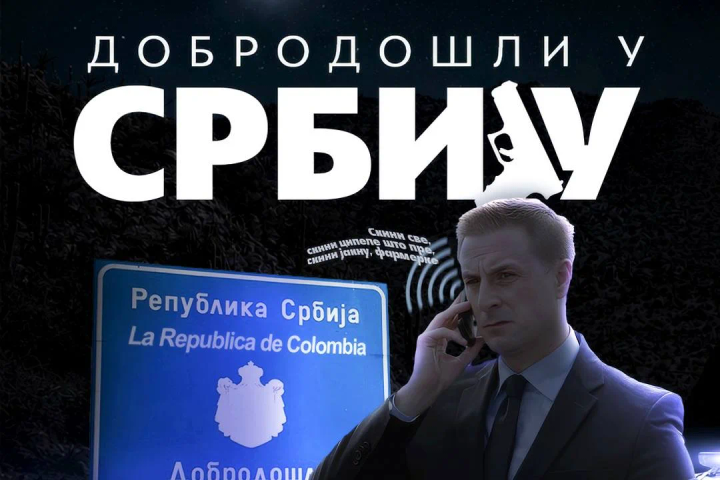
Jelenleg nincs lefordítva
Dobro došli u Srbiju
Jelenleg nincs lefordítva
Odbrana akademske autonomije
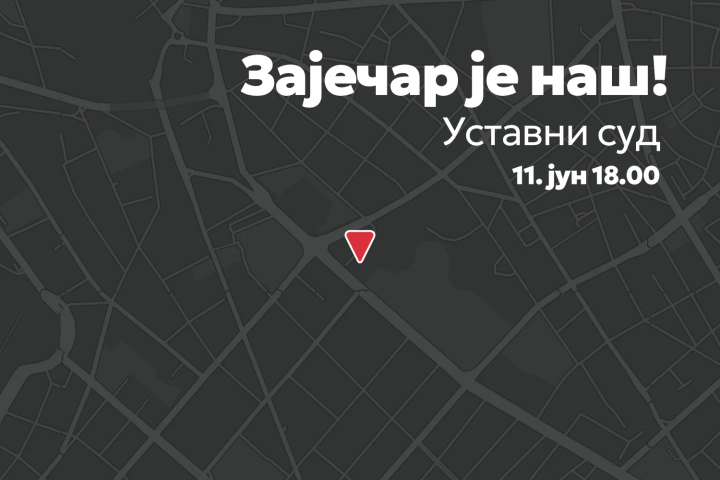
Jelenleg nincs lefordítva
Zaječar je naš!
Jelenleg nincs lefordítva
Različiti u uverenjima, ujedinjeni u borbi
Jelenleg nincs lefordítva
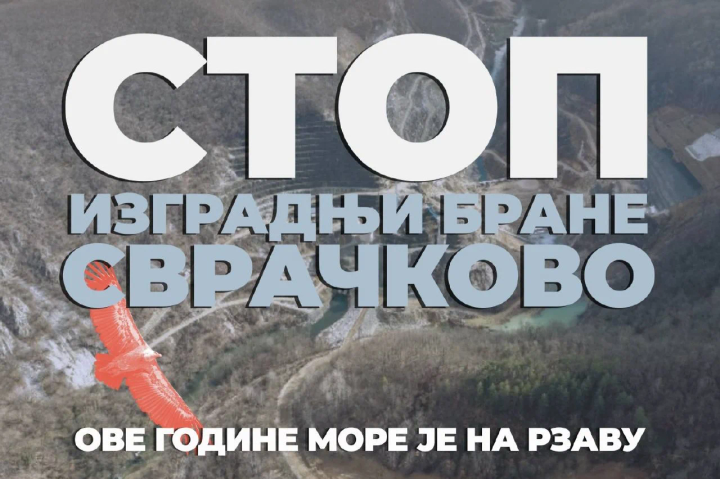
Veliki Rzav - Stop izgradnji brane
Jelenleg nincs lefordítva
Prvi korak: Zdravstvo
Jelenleg nincs lefordítva
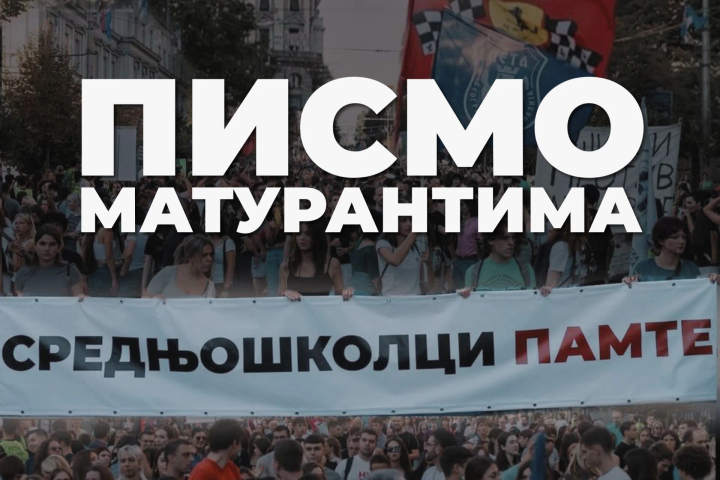
Pismo maturantima
Jelenleg nincs lefordítva
Politička promocija ili bele čiope?

Jelenleg nincs lefordítva
Ti i ja – Slavija
Jelenleg nincs lefordítva
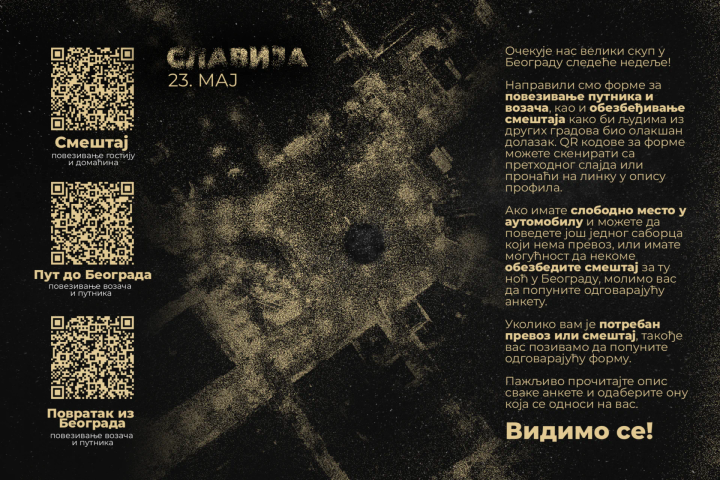
Povezivanje putnika, vozača i smeštaja za Slaviju!
Jelenleg nincs lefordítva
Pomozimo Veroljubu Sariću
Jelenleg nincs lefordítva
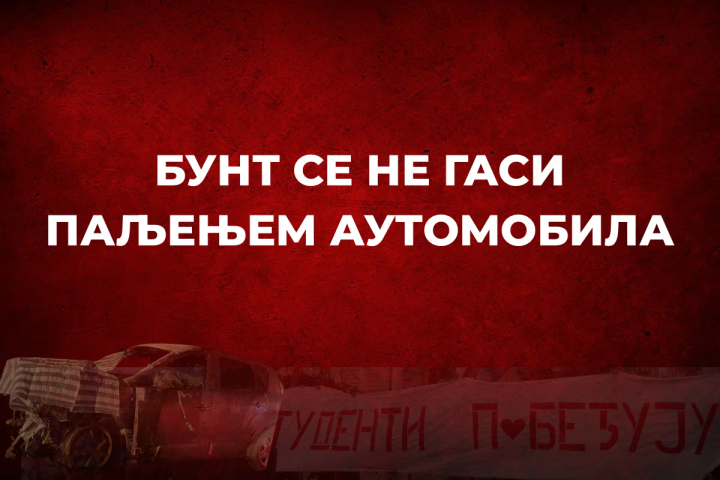
Bunt se ne gasi paljenjem automobila
Jelenleg nincs lefordítva
Prvi maj – Naše pravo na dostojanstven život
Jelenleg nincs lefordítva
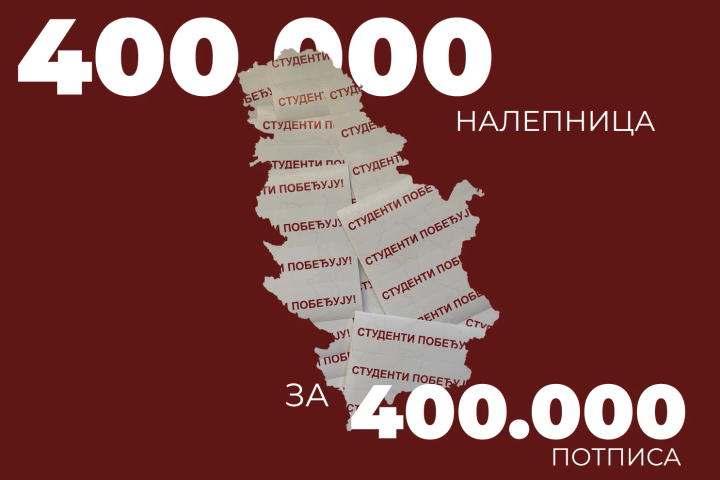
Srbija se oblepljuje istinom
Jelenleg nincs lefordítva
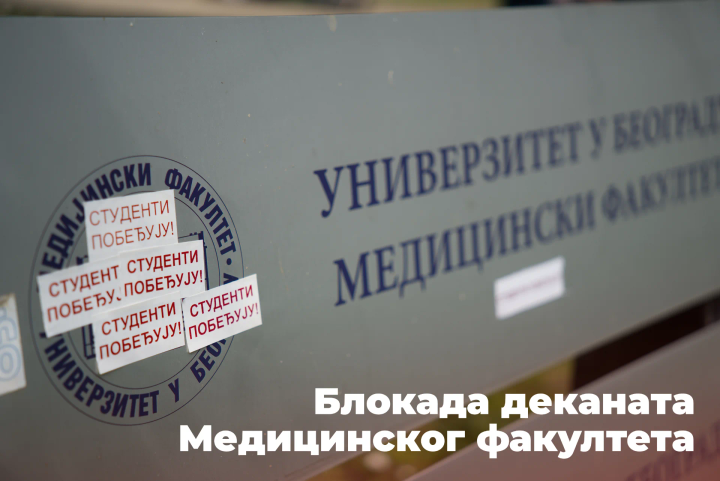
Blokiran dekanat Medicinskog fakulteta
Jelenleg nincs lefordítva
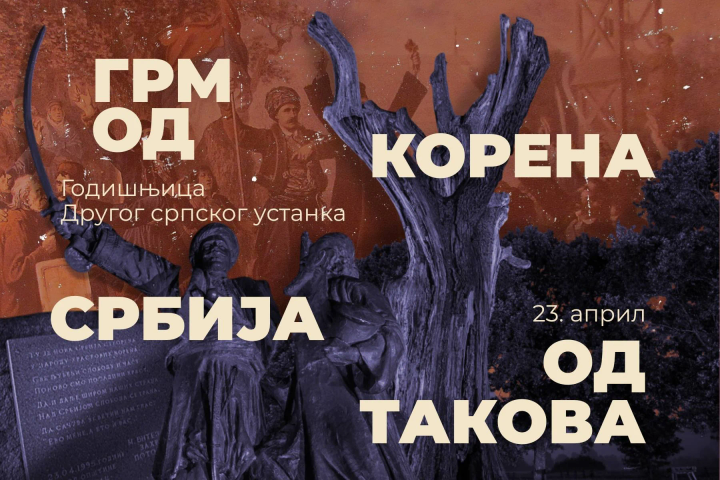
Grm od korena - Srbija od Takova
Jelenleg nincs lefordítva
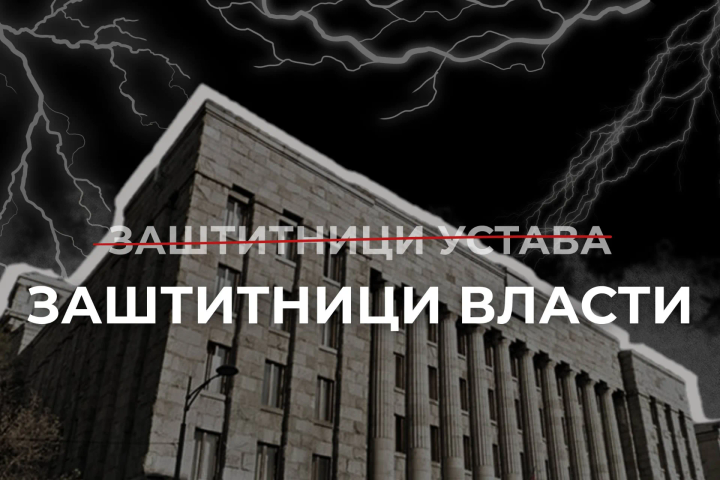
Zaštitnici vlasti ili ustava
Jelenleg nincs lefordítva
Promocija zdravlja i prevencija bolesti
Jelenleg nincs lefordítva
Izbori za Lekarsku komoru Srbije
Jelenleg nincs lefordítva
Pritisci na Medicinskom fakultetu - izbori
Jelenleg nincs lefordítva
Bezbedna škola – pravo svakog deteta!
Jelenleg nincs lefordítva
Autonomija Filozofskog fakulteta Univerziteta u Nišu je na udaru!
Jelenleg nincs lefordítva
Zajedno za zdravlje
Jelenleg nincs lefordítva
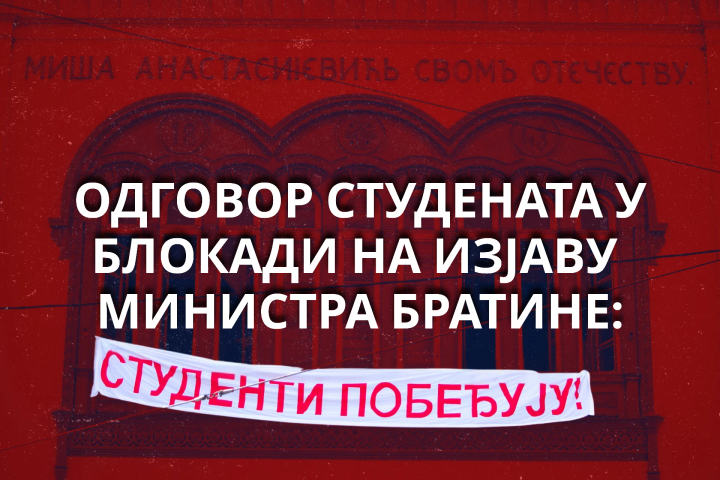
Kako vlast čestita Dan studenata
Jelenleg nincs lefordítva
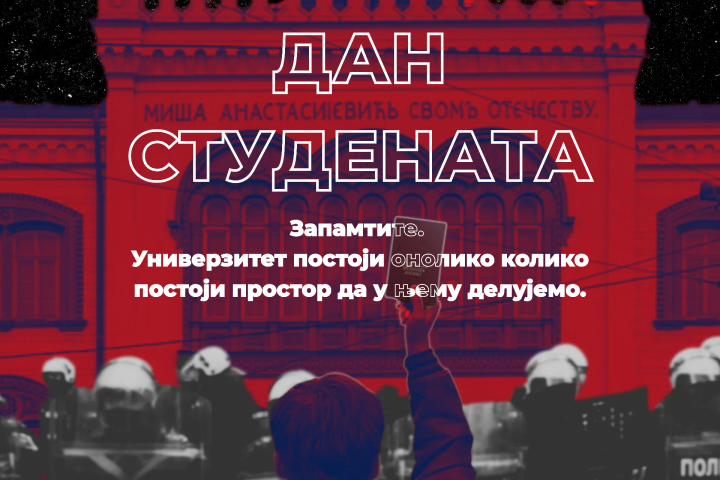
Dan studenata u uslovima pritiska i kontrole
Jelenleg nincs lefordítva
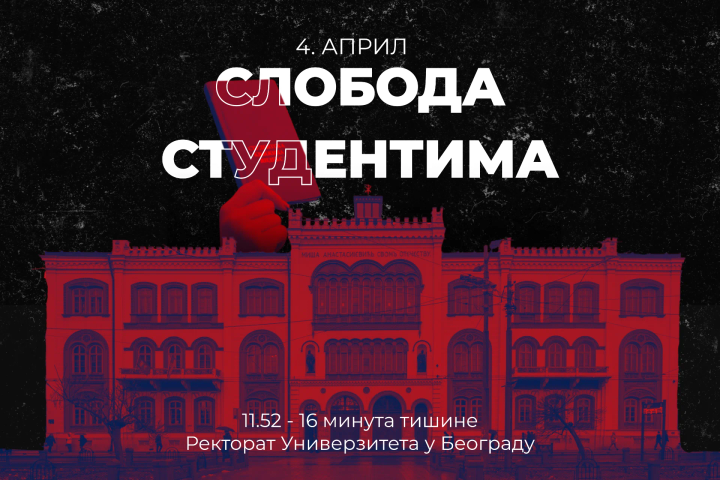
Sloboda studentima
Jelenleg nincs lefordítva
Akademski bunt se ugasiti ne može!
Jelenleg nincs lefordítva
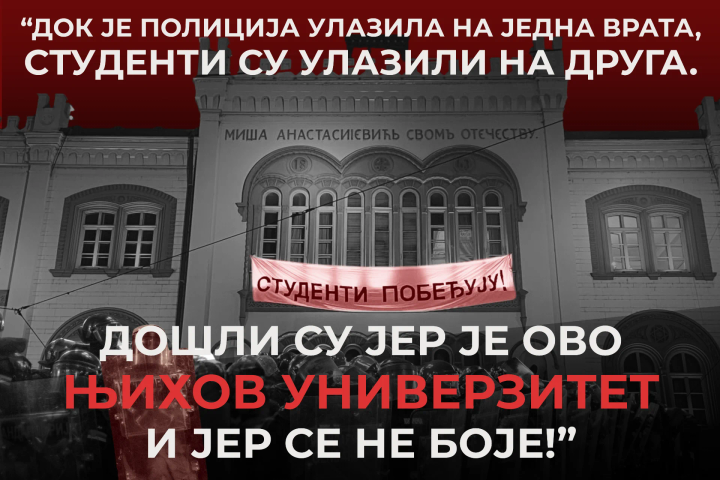
Kraj je kad mi kažemo da je kraj!
Jelenleg nincs lefordítva
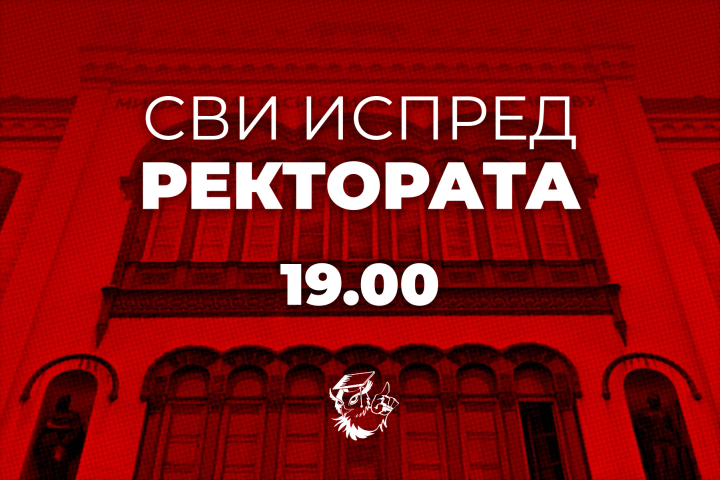
Poziv na skup ispred rektorata
Jelenleg nincs lefordítva
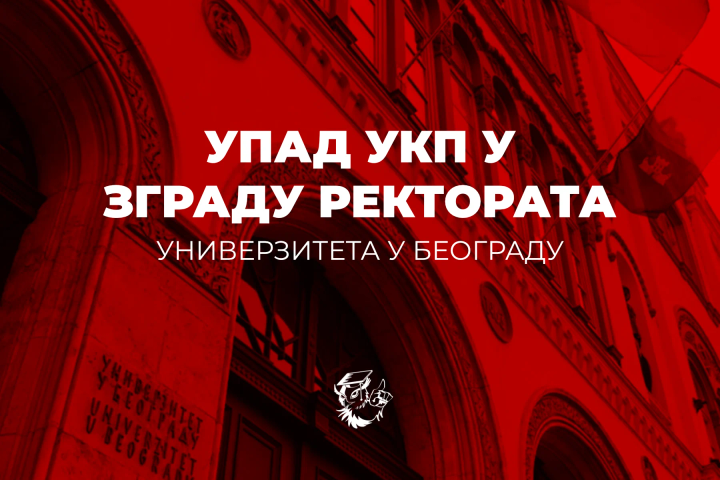
UKP u zgradi Rektorata Univerziteta u Beogradu
Jelenleg nincs lefordítva
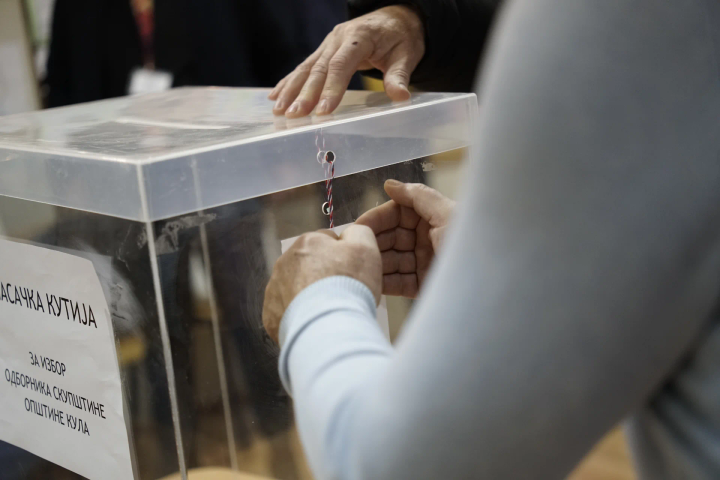
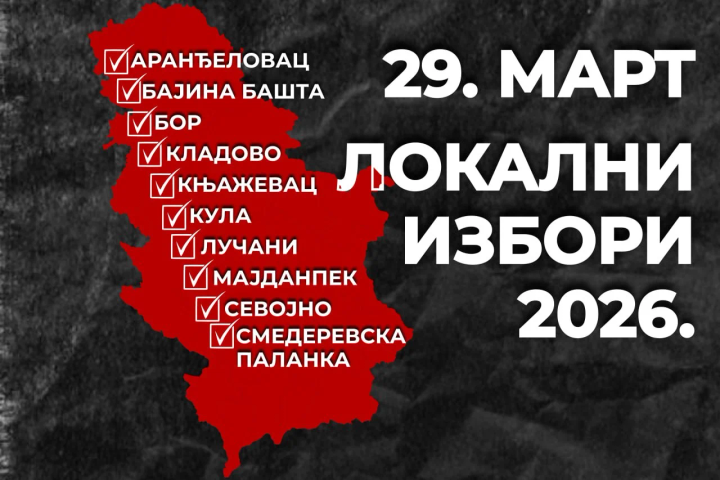
Lokalni izbori u 10 opština
Jelenleg nincs lefordítva
Tragedija kao sredstvo manipulacije
Jelenleg nincs lefordítva
Studenti u blokadi prate izbore 29. marta: Bićemo u svim opštinama
Jelenleg nincs lefordítva
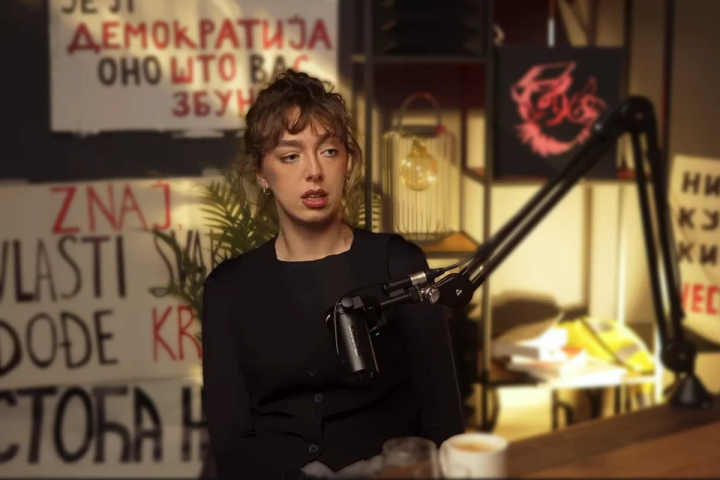
Crvena linija ili pad univerziteta | Ko je tebi kriv?
Jelenleg nincs lefordítva
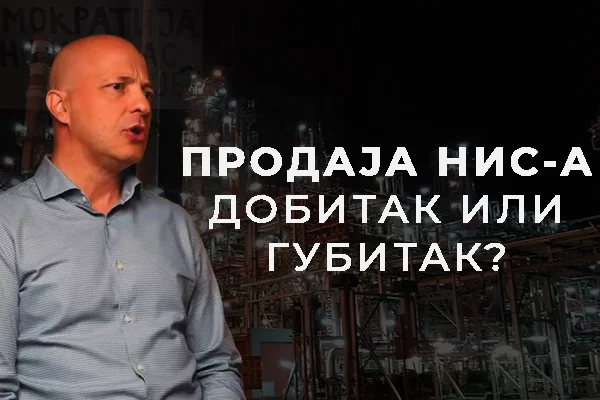
Prodaja NIS-a – dobitak ili gubitak? | Ko je tebi kriv?
Jelenleg nincs lefordítva
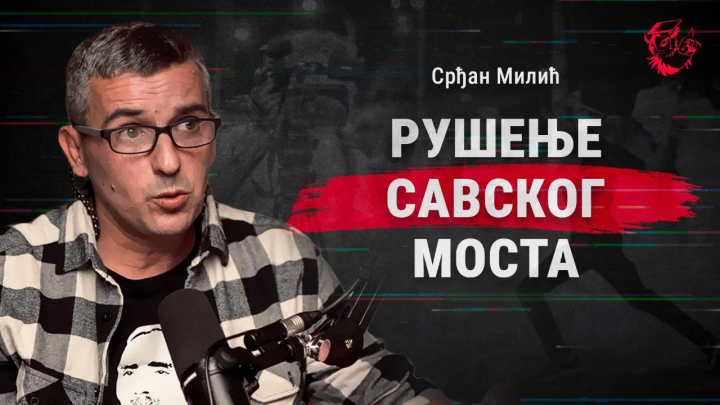
Rušenje Savskog mosta | „Ko je tebi kriv?”
Jelenleg nincs lefordítva
Dijana, uz Vas smo!
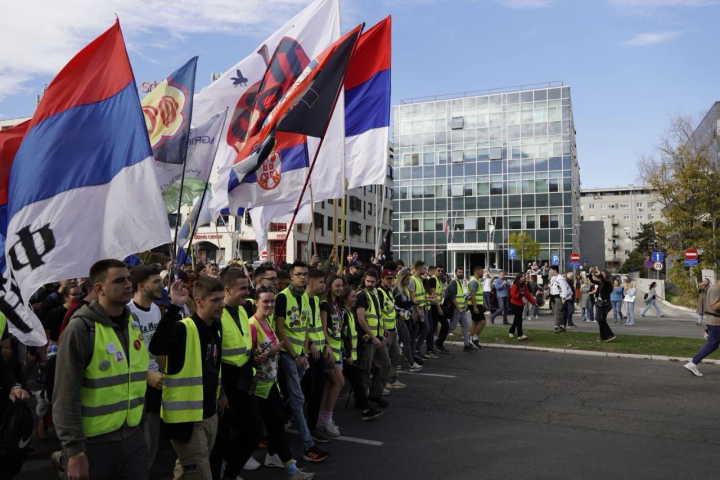
Jelenleg nincs lefordítva
Koracima sećanja, putevima slobode
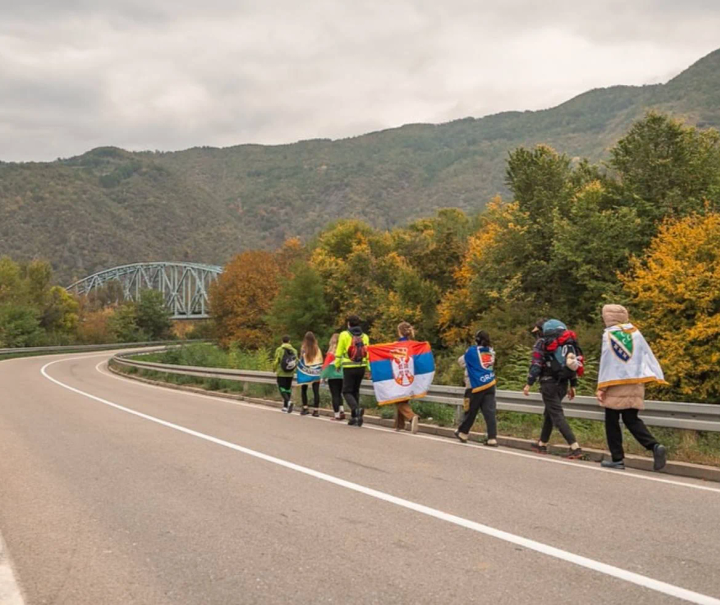
Jelenleg nincs lefordítva
Zajedno za pravdu
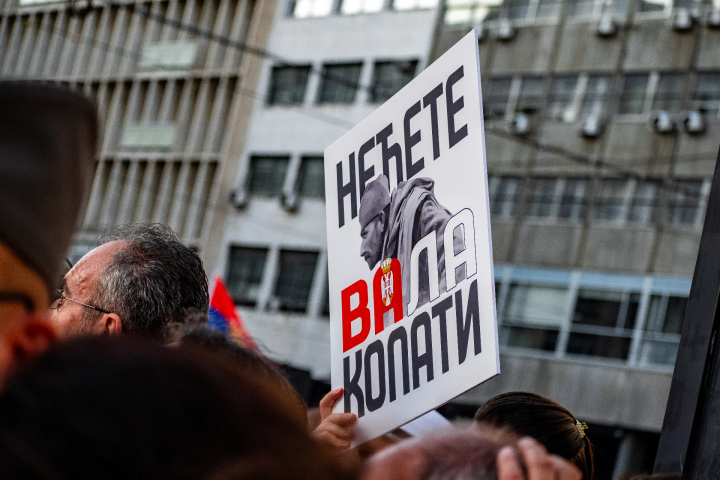
Jelenleg nincs lefordítva
„Projekat Jadar: javni ili privatni interes?”
Jelenleg nincs lefordítva
Prva epizoda podkasta Studenata u blokadi
Jelenleg nincs lefordítva
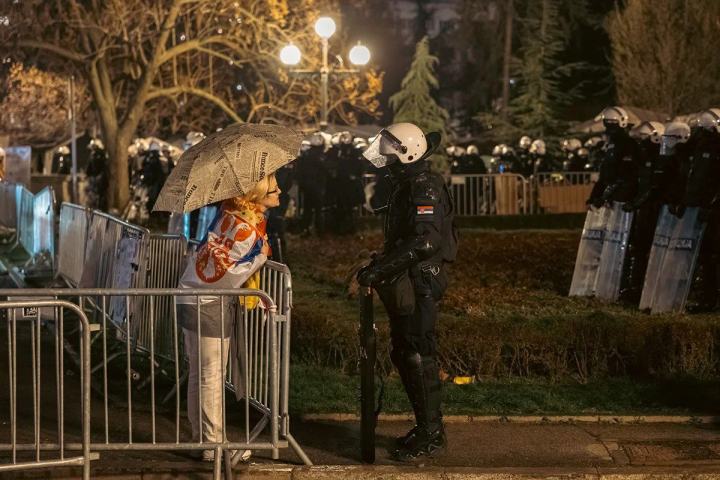
Pionirski park pripada narodu
Jelenleg nincs lefordítva
Gde su blokade?
Jelenleg nincs lefordítva
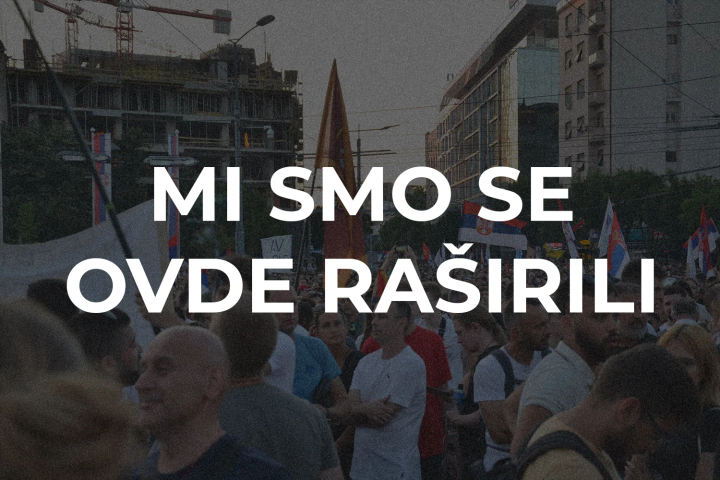
Mi smo se ovde raširili
.B2p8qlN-_xHYU9.png)
Jelenleg nincs lefordítva
Vidimo se na Vidovdan
Jelenleg nincs lefordítva
Lazarevac is calling you
Jelenleg nincs lefordítva
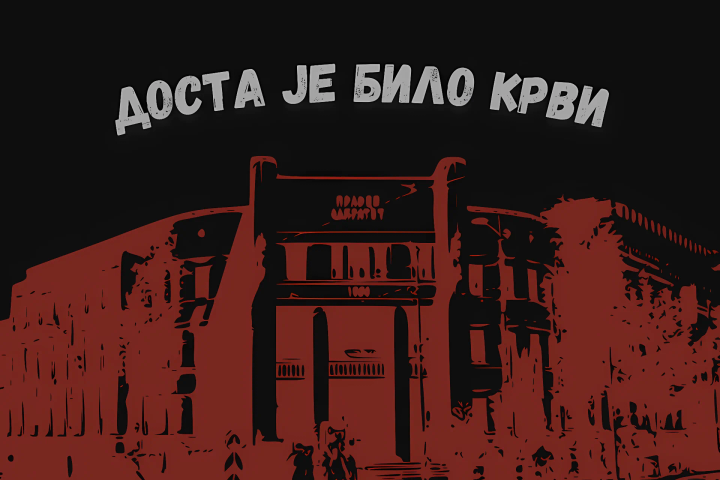
Enough of blood
Jelenleg nincs lefordítva
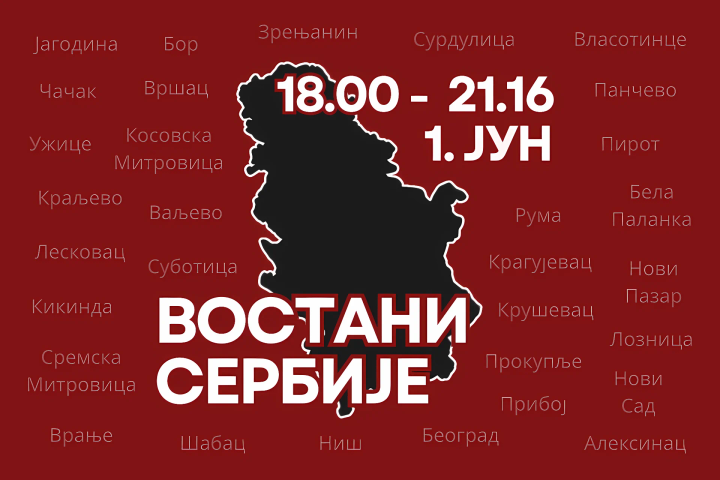
Arise, Serbia
Jelenleg nincs lefordítva
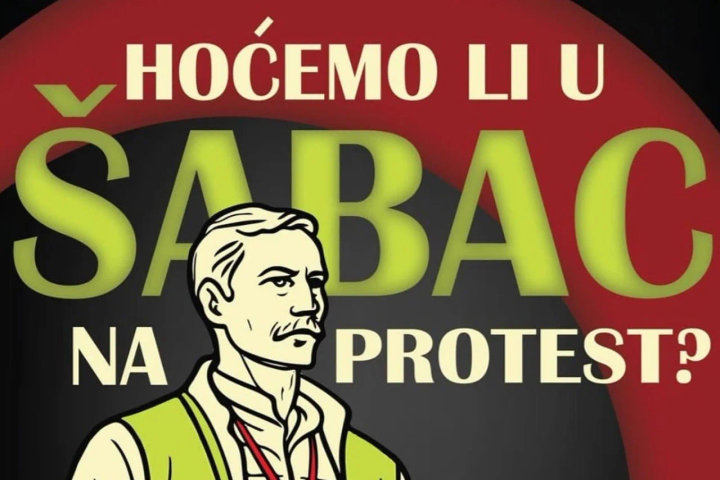
Are we going to Šabac for a protest?

Jelenleg nincs lefordítva
Freedom comes from the east
Jelenleg nincs lefordítva
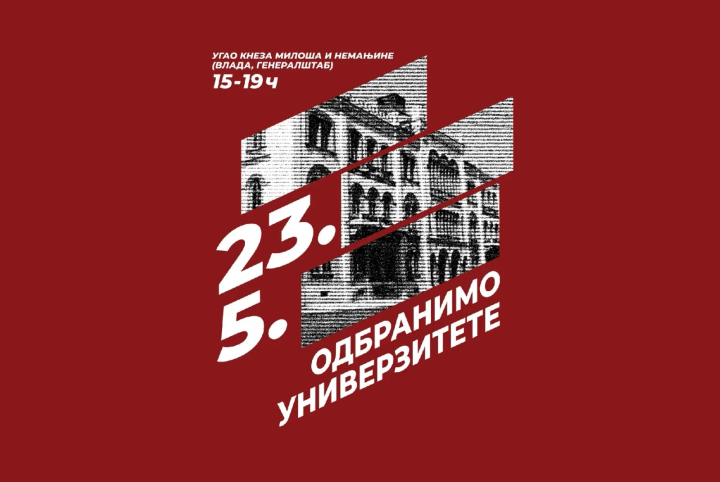
Let’s defend the universities
Jelenleg nincs lefordítva
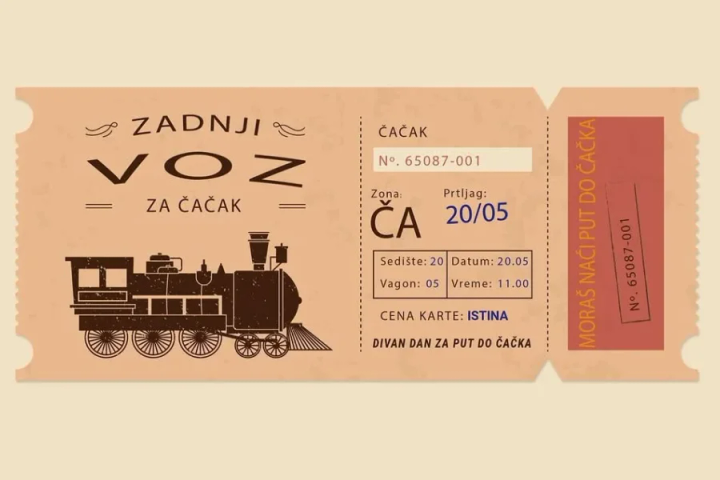
The last train to Čačak
Jelenleg nincs lefordítva
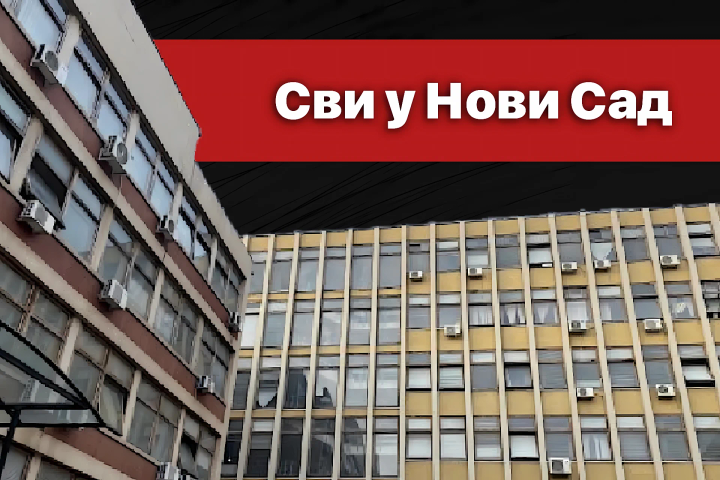
Blockade of the court in Novi Sad
Jelenleg nincs lefordítva
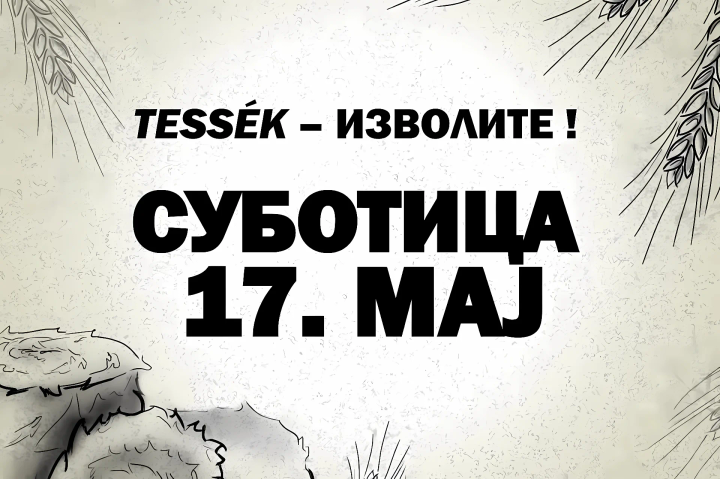
The North is calling
Jelenleg nincs lefordítva
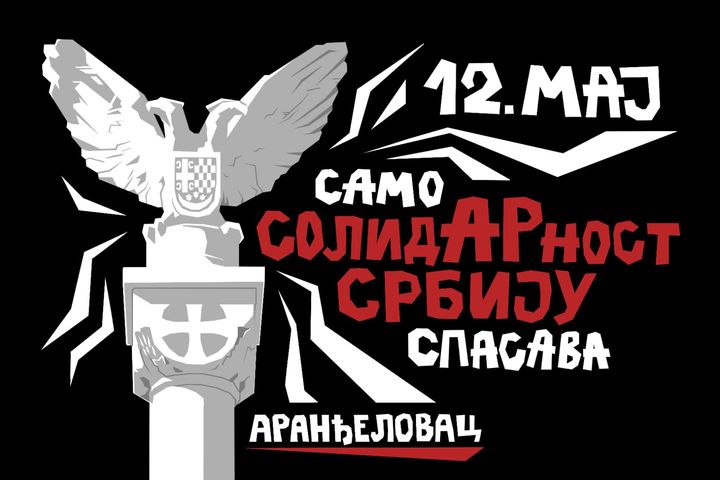
Only solidARity will save Serbia
Jelenleg nincs lefordítva
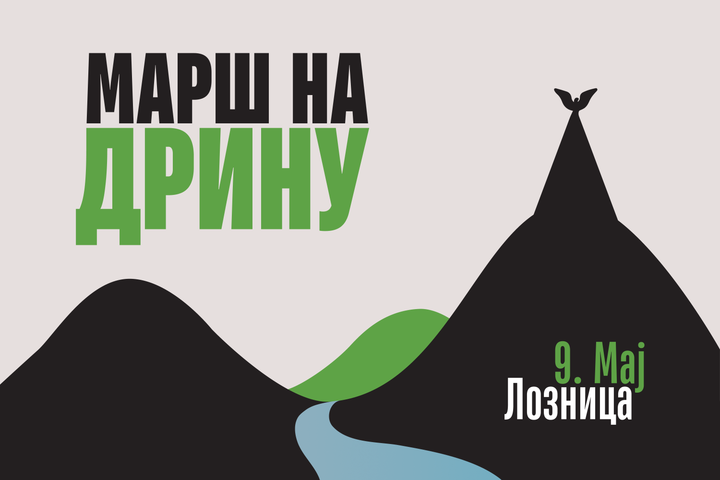
March on the Drina
Jelenleg nincs lefordítva
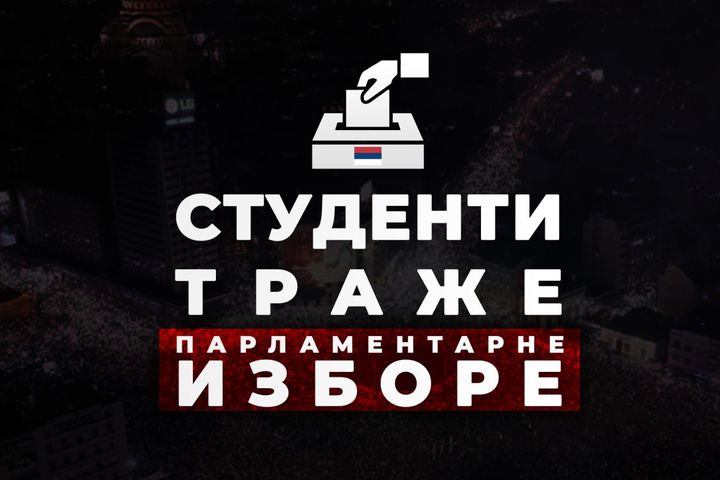
Students are demanding parliamentary elections
Jelenleg nincs lefordítva
International Workers' Day
Jelenleg nincs lefordítva
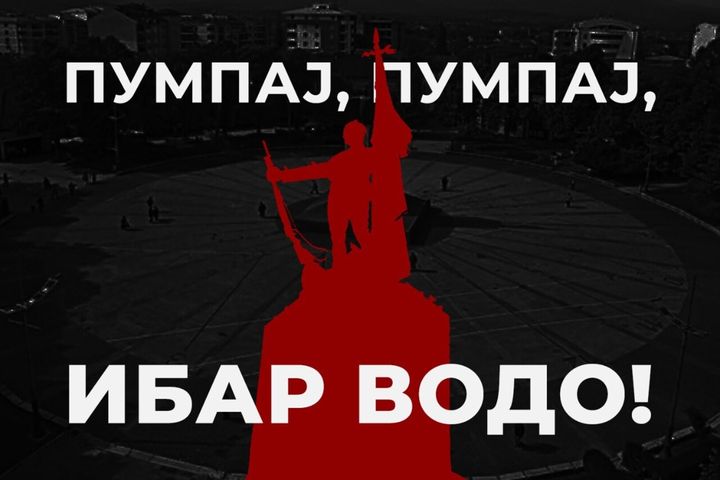
Pump, pump, Ibar river

Jelenleg nincs lefordítva
Urgent action to block RTS
Jelenleg nincs lefordítva
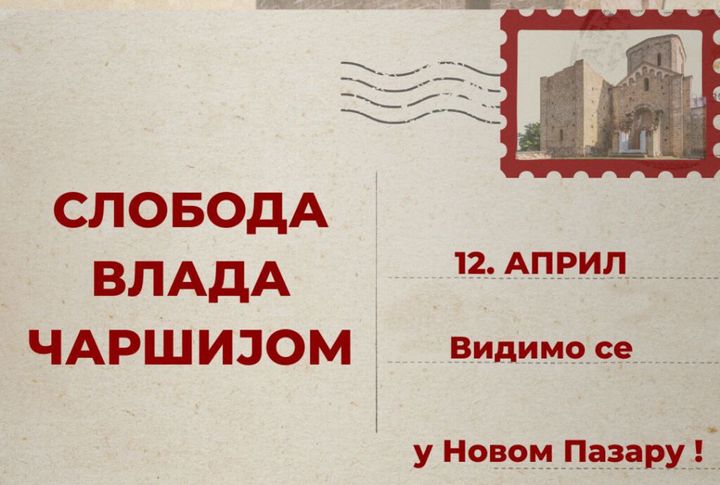
Freedom rules the bazaar
Jelenleg nincs lefordítva
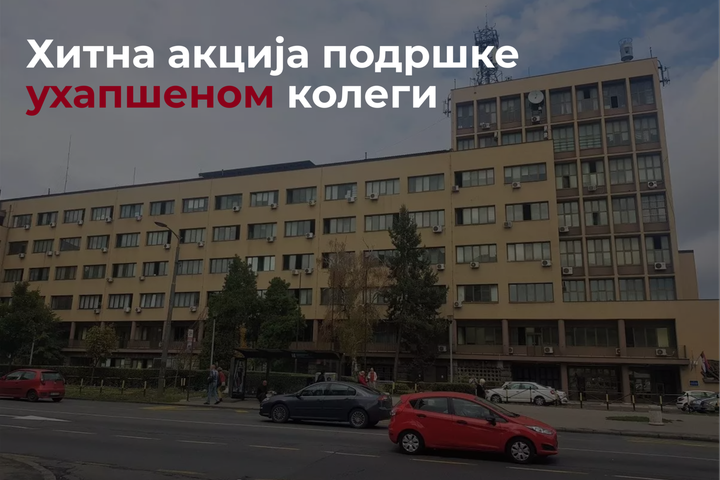
Urgent action of support for an arrested colleague
Jelenleg nincs lefordítva
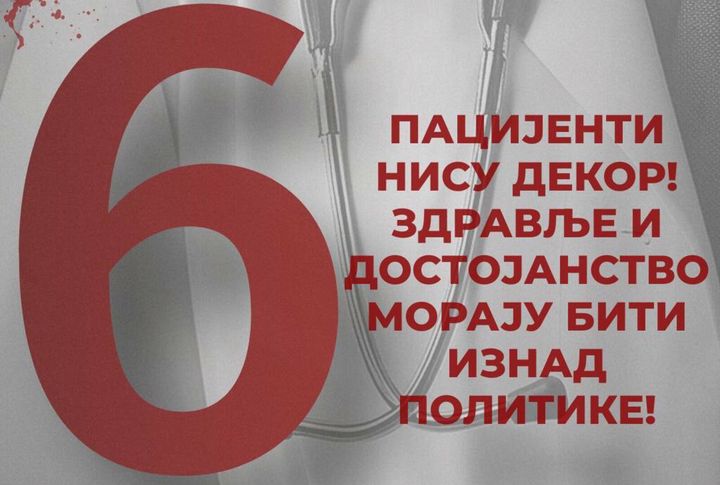
Sixth demand of students in blockade

Jelenleg nincs lefordítva
5th student demand
Jelenleg nincs lefordítva
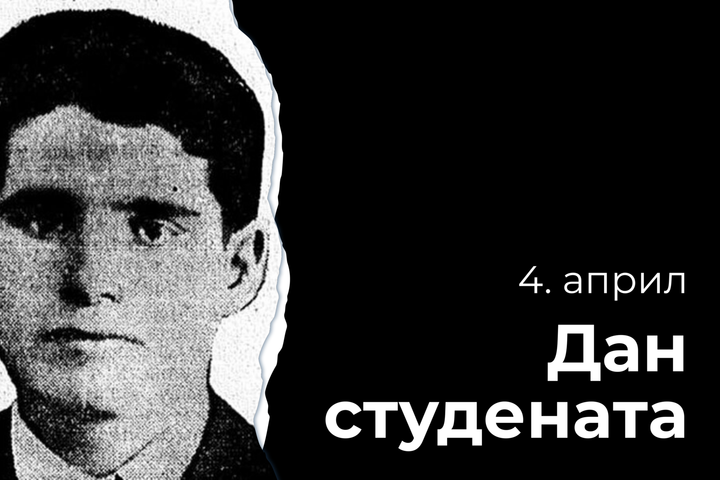
Students' Day
Jelenleg nincs lefordítva
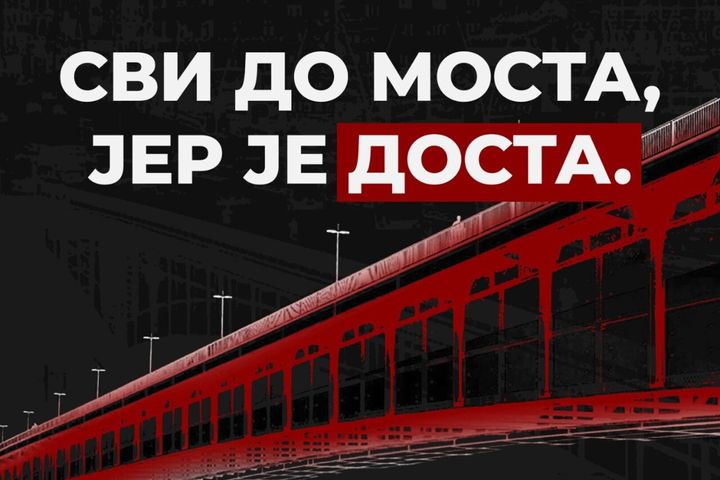
Everyone to the bridge, because enough is enough
Jelenleg nincs lefordítva
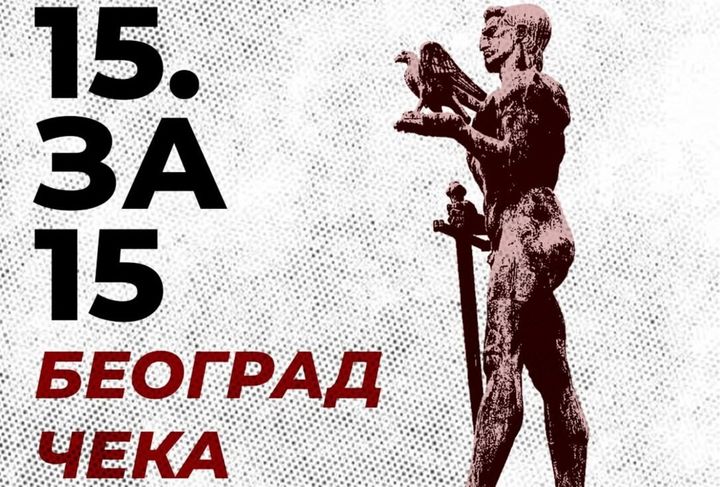
15. за 15
Jelenleg nincs lefordítva
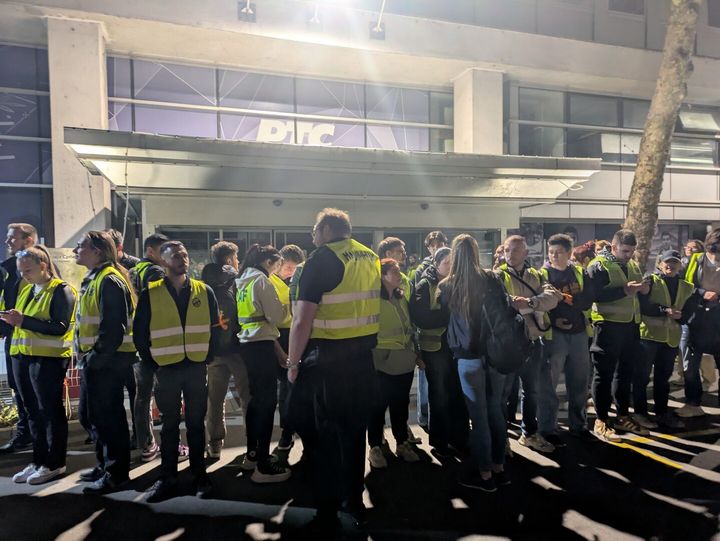
Action “Operation”

Jelenleg nincs lefordítva
A Letter to the People of Serbia

Jelenleg nincs lefordítva
March 8th in the streets
Jelenleg nincs lefordítva
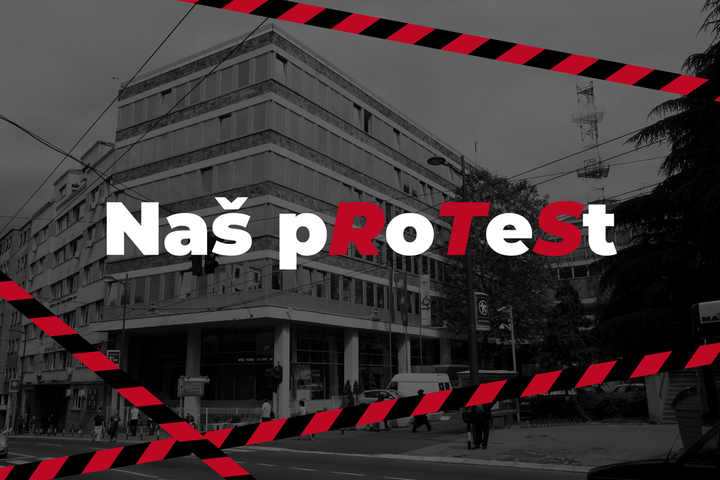
Our pRoTeSt
Jelenleg nincs lefordítva
D-Day will happen, but classes won't!

Jelenleg nincs lefordítva
The Student Edict

Jelenleg nincs lefordítva
An open letter from students in blockade
Jelenleg nincs lefordítva
Statement regarding the attack on students in Novi Pazar
Jelenleg nincs lefordítva
Let's meet at Sretenje!
Jelenleg nincs lefordítva
Under our command
Jelenleg nincs lefordítva
Give life – donate blood
Jelenleg nincs lefordítva
Statement regarding the resignation of Dr Mila Paunić